Best AI Detectors: Top Picks for Content Creators, Students, and Marketers

Welcome to the new era of content creation. AI tools can be your most powerful ally, helping you brainstorm, research, and draft content faster than ever. Studies show AI can boost writing productivity by up to 40%, but this efficiency brings a new challenge: ensuring your final work is original, authentic, and truly connects with your audience.
This is where the best AI detectors become essential. For a student submitting an essay, a marketer publishing a blog post, or a professional finalizing a report, these tools are a critical checkpoint. They help you verify originality, maintain your brand voice, and uphold ethical writing standards in a world filled with sophisticated best AI writing tools.
At PureWrite, we believe in using AI as a launchpad, not a final destination. An effective workflow involves drafting with AI for speed, verifying with a detector for originality, and then using a tool like PureWrite to humanize the text. This ensures your content not only passes checks but also resonates with your readers.
This guide will cut through the noise for you. We've tested the top AI detectors to provide a clear, practical roadmap for content creators, students, and professionals. You'll find our in-depth reviews, key features, and specific use cases for each tool, helping you work smarter and create with confidence.
1. Originality.ai: The Professional's Choice for Editorial Integrity
Originality.ai is built for professional content teams and publishers who need to enforce quality standards at scale. We found its combined AI, plagiarism, and readability scan to be a powerful gatekeeper for editorial workflows. It’s less for a casual check and more for systemizing content verification, making it one of the best AI detectors for businesses.
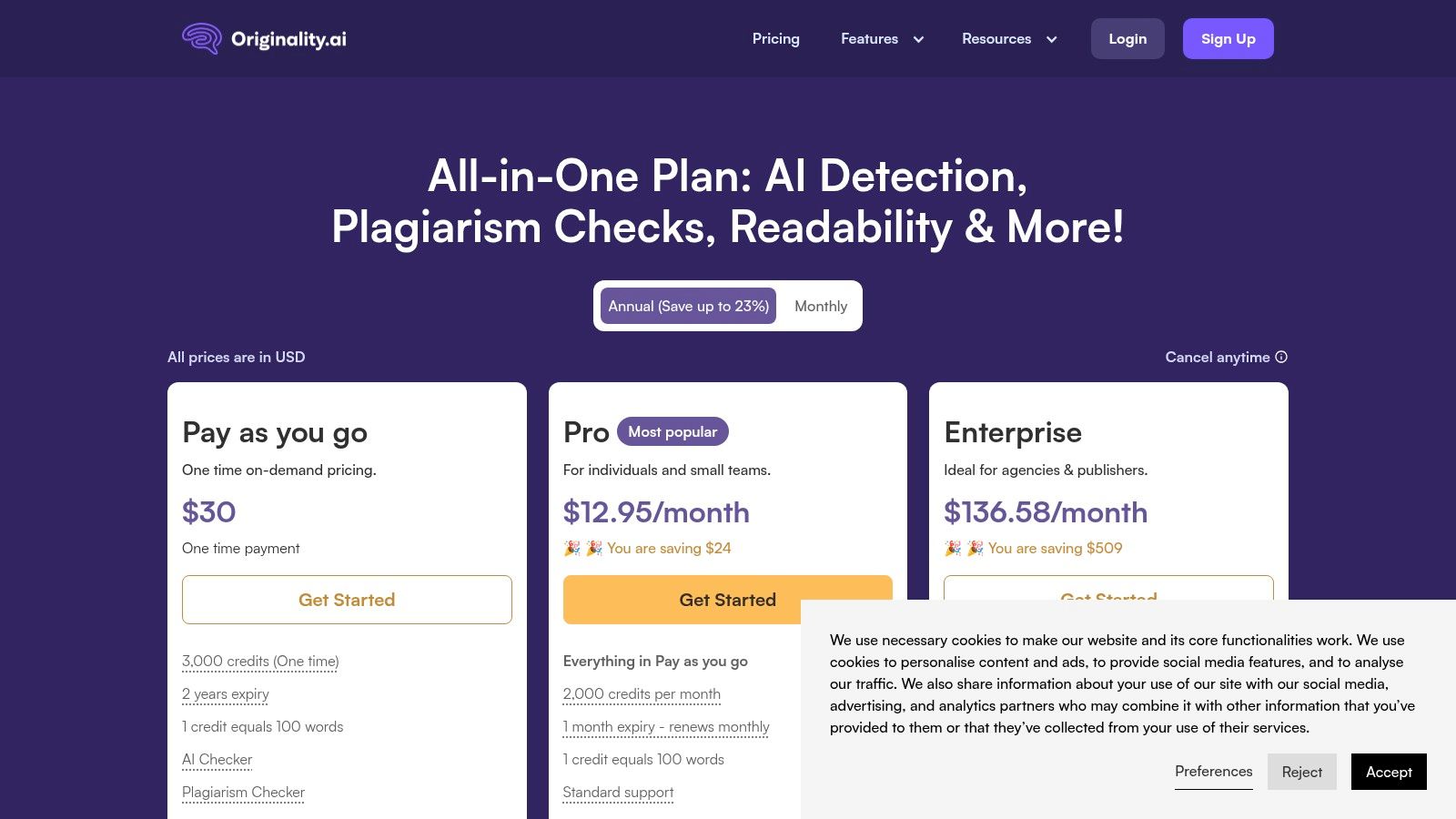
Its core strength is its all-in-one approach. Instead of running text through multiple tools, you get a single score that covers AI, plagiarism, and readability. For an editor managing a team of writers, this is a massive time-saver. Its robust API also allows seamless integration into your content management system for automated checks.
However, the data-rich interface can feel less intuitive if you're new to these tools. Our tests also showed it can sometimes flag complex, human-written text as AI (a "false positive"). The credit-based pricing, while flexible, can become costly for individuals with occasional needs.
Best Use Case: High-volume content agencies, SEO teams, and academic institutions that need a scalable, automated solution for ensuring content integrity. For example, a marketing agency could use its API to automatically screen every blog post from freelance writers before it even reaches an editor's desk.
- Pros:
- All-in-one check (AI, plagiarism, readability) streamlines workflows.
- Strong API is ideal for automated, high-volume checks.
- Frequently updated to detect newer AI models.
- Cons:
- Can be expensive for individuals or occasional users.
- Data-rich interface is less intuitive for beginners.
- Higher rate of false positives on complex human text.
2. Copyleaks: The Institutional Standard for Academic and Enterprise Use
Copyleaks has established itself as a trusted AI and plagiarism checker for educational institutions and large businesses. It excels in environments where multi-language support and deep integration are critical. This makes it one of the best AI detectors for large-scale, institutional deployment.
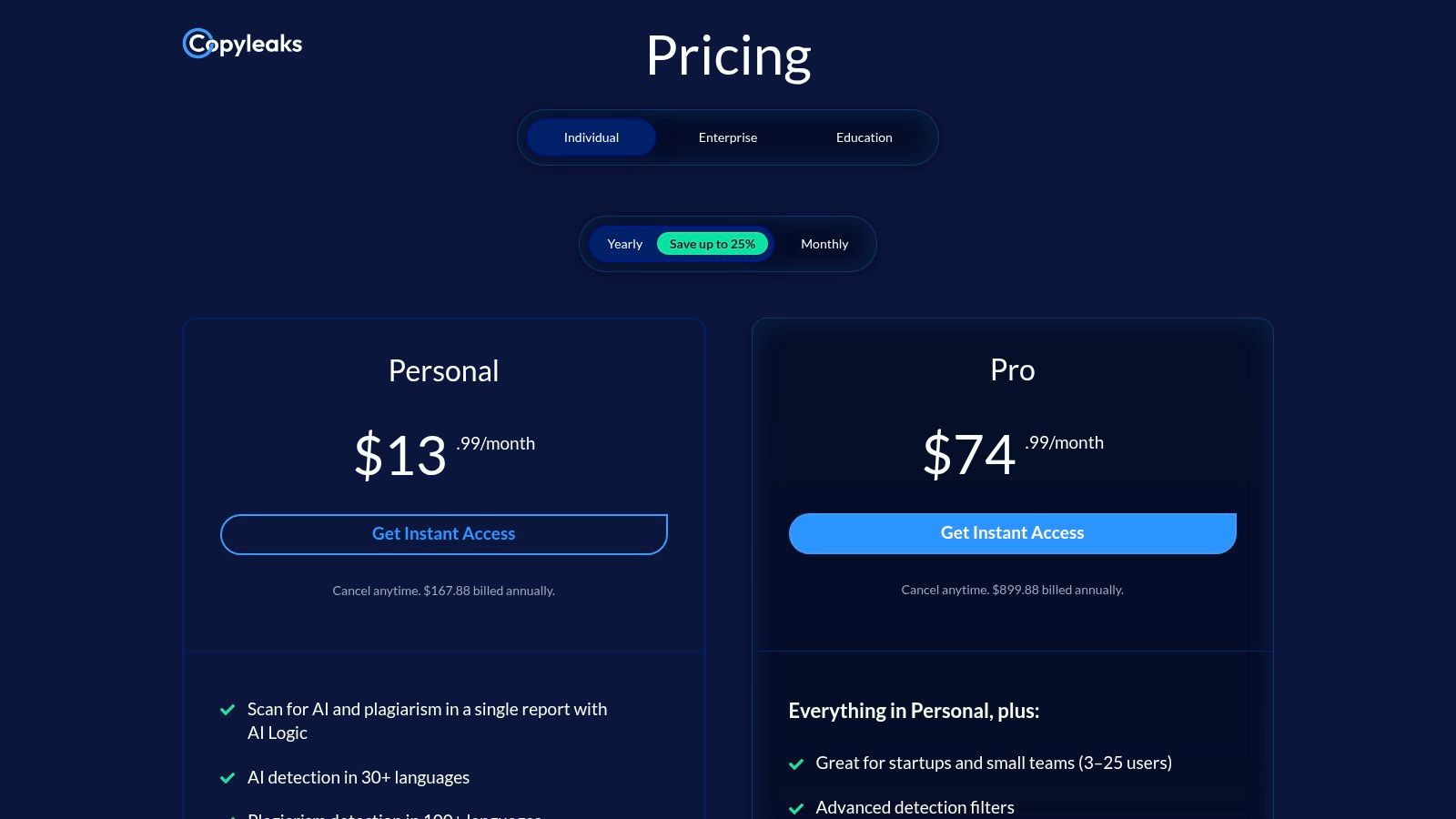
Its primary advantage is its extensive language capability, detecting AI content in over 30 languages. This is invaluable for global organizations and diverse academic settings. Features like its browser add-ons allow you to check content directly where you work, saving time and effort.
However, the platform’s credit-based pricing can be tricky. You purchase credits in bundles, and some users have reported that changing plans can cause you to lose remaining credits. The powerful interface is also built for scale and may feel overly complex if you just need a quick, simple check.
Best Use Case: Universities, school districts, and global businesses that require a deeply integrated, multi-language AI and plagiarism detection system. For instance, a university could integrate Copyleaks into its online learning platform to automatically check all student submissions.
- Pros:
- Combines AI and plagiarism detection in a single, streamlined tool.
- Extensive language support for both AI and plagiarism checks.
- Strong integration capabilities (LMS, API, browser extensions).
- Cons:
- Credit-based pricing can be complex to manage.
- Plan changes can potentially lead to losing unused credits.
- Interface is geared more towards institutions than individual users.
3. GPTZero: The Educator's Ally for Academic Integrity
GPTZero has become one of the best AI detectors for the education sector, and for good reason. Its design centers on giving educators the tools to verify student work efficiently. We found its integrations with Google Docs and various Learning Management Systems (LMS) particularly effective for classroom use.
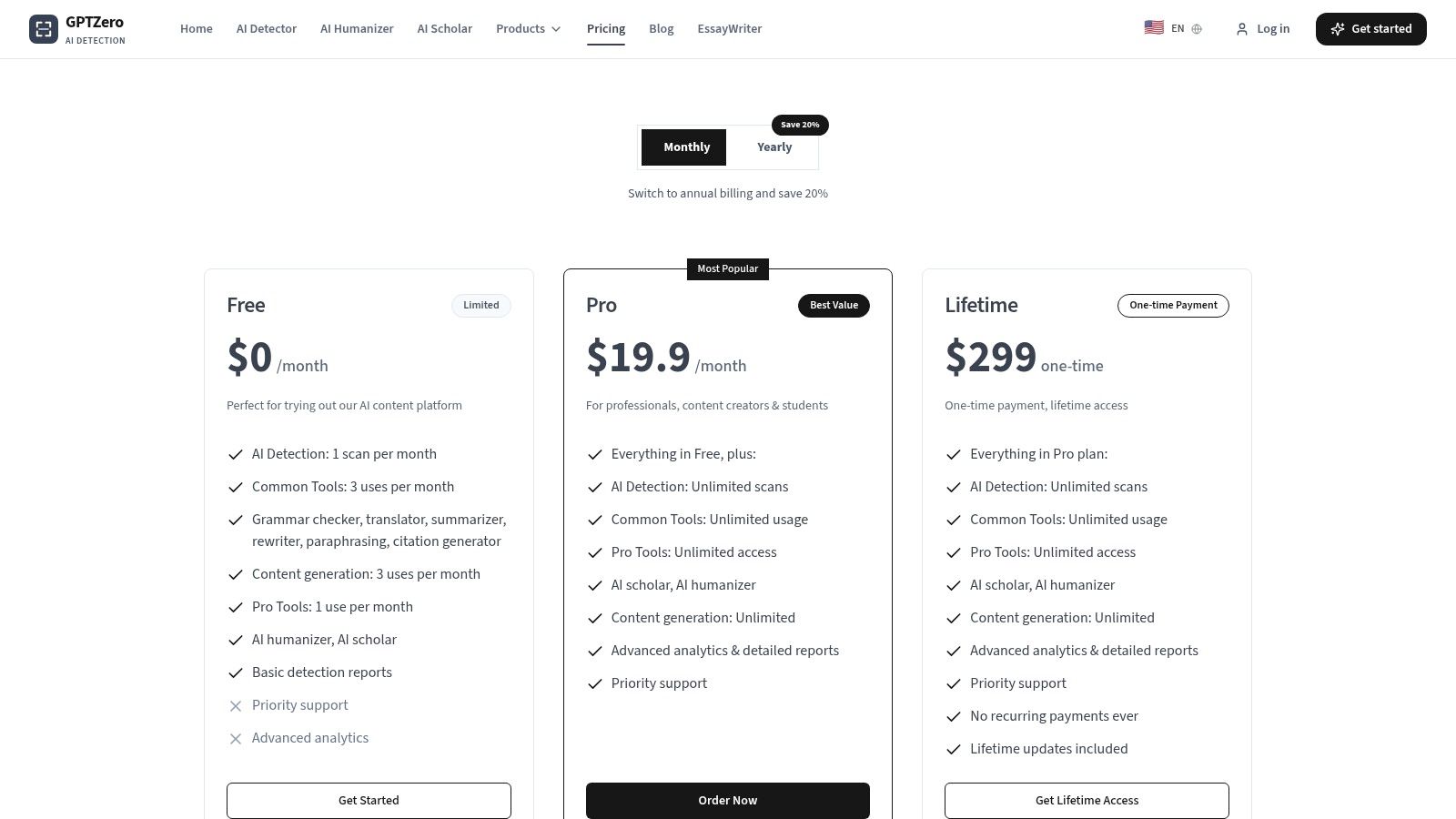
The platform’s strength is its detailed analysis. Features like sentence-level highlighting give instructors a granular view of a document's origin, helping them start productive conversations with students about authentic writing. This focus on providing evidence for educators sets it apart from more generalized checkers.
However, the free version is quite limited, often requiring you to sign up just to process a basic check. While GPTZero updates its model often, remember that no detector is 100% accurate. Always use the results as a starting point for a conversation, not a final judgment.
Best Use Case: Educational institutions and teachers needing integrated, high-volume AI detection with robust reporting features. Imagine a high school English teacher using the Google Docs add-on to quickly review a batch of essays for originality.
- Pros:
- Excellent integrations for classroom and LMS workflows (Google Docs, Canvas).
- Detailed sentence-level analysis and reporting tools for educators.
- Frequently updated to keep pace with evolving AI models.
- Cons:
- The free tier is very limited and pushes users toward paid plans.
- Accuracy claims require independent validation for specific use cases.
- Interface is geared more toward institutional reporting than quick, individual checks.
4. Winston AI: The Multimodal Detector for Text and Images
Winston AI goes beyond just text, positioning itself as a versatile tool for anyone concerned with the origin of both written and visual content. Its ability to detect AI-generated images from models like Midjourney, alongside text checks, makes it a unique offering among the best AI detectors. It even includes Optical Character Recognition (OCR) to scan handwritten notes.
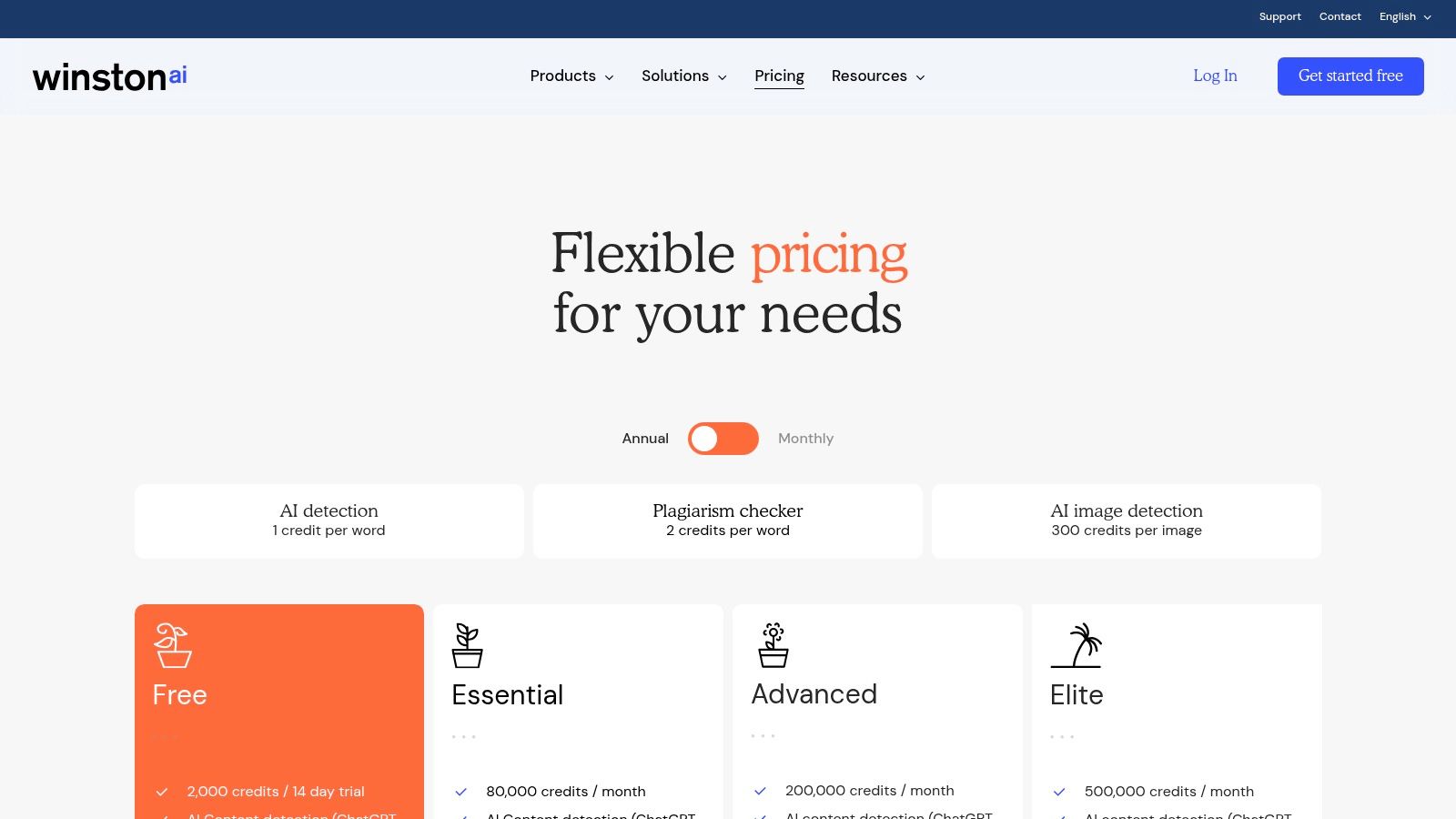
The platform's standout feature is its comprehensive approach. For a creative agency managing blog posts and social media graphics, Winston AI consolidates multiple verification needs into one workflow. The ability to generate shareable PDF reports is also a practical feature for documenting your findings.
However, its credit-based system requires careful monitoring to manage costs, as you're charged by words for text and per image for visuals. While the Essential plan is generous, high-volume users might find the metering complex. As with any detector, it's crucial to test its accuracy on your specific content types.
Best Use Case: Creative agencies, publishers, and educators who need to verify the authenticity of both written assignments and digital images. A journalism school, for example, could use it to check both text articles and accompanying photo submissions for AI generation.
- Pros:
- Multimodal detection covers AI text, images, and plagiarism.
- Includes OCR for scanning physical documents.
- Generates shareable PDF reports for easy documentation.
- Cons:
- Credit system can be complex to manage for mixed content types.
- Accuracy can vary depending on the AI model and content style.
- Fewer integrations compared to more developer-focused tools.
5. Turnitin: The Institutional Standard for Academic Integrity
Turnitin is the leader in academic integrity, offering its AI detector within its broader Similarity platform. It is licensed directly by educational institutions, so you won't find it available for individual purchase. We found its primary strength is its seamless integration into faculty workflows, providing a familiar environment for checking both plagiarism and potential AI writing.
Its core value is its deep penetration in higher education and its massive database of academic papers for comparison. The AI detector appears as a simple percentage score alongside the traditional similarity report, making it an accessible addition for instructors. This solidifies its place as one of the best AI detectors for institutional-level academic verification.
However, its exclusive B2B model means individuals cannot access it. Its reliability has also been questioned, with reports of false positives causing some universities to reconsider its use. Educators must use the score as a conversation starter, not a definitive judgment. For a deeper analysis, you can explore our guide on how Turnitin detects AI.
Best Use Case: Universities, colleges, and K-12 school districts that need an integrated AI and plagiarism solution that fits into existing academic workflows. A professor can see the AI score and plagiarism report for an entire class directly within their course management system.
- Pros:
- Deeply integrated into faculty workflows via LMS platforms.
- Centralized reporting is useful for institutional oversight.
- Leverages a vast academic database for comprehensive similarity checks.
- Cons:
- Not available for individual purchase; institutional license required.
- Reported false positives have raised concerns about accuracy.
- The AI score lacks detailed, sentence-level highlighting found in other tools.
6. Sapling AI Detector: Developer-Friendly Detection with Granular Insights
Sapling AI Detector is built for users who need more than a simple percentage score, especially developers integrating detection into their applications. We found its sentence-level highlighting and perplexity metrics offered a deeper view of AI-generated text. This makes it one of the best AI detectors for technical users who want detailed analysis and API access.
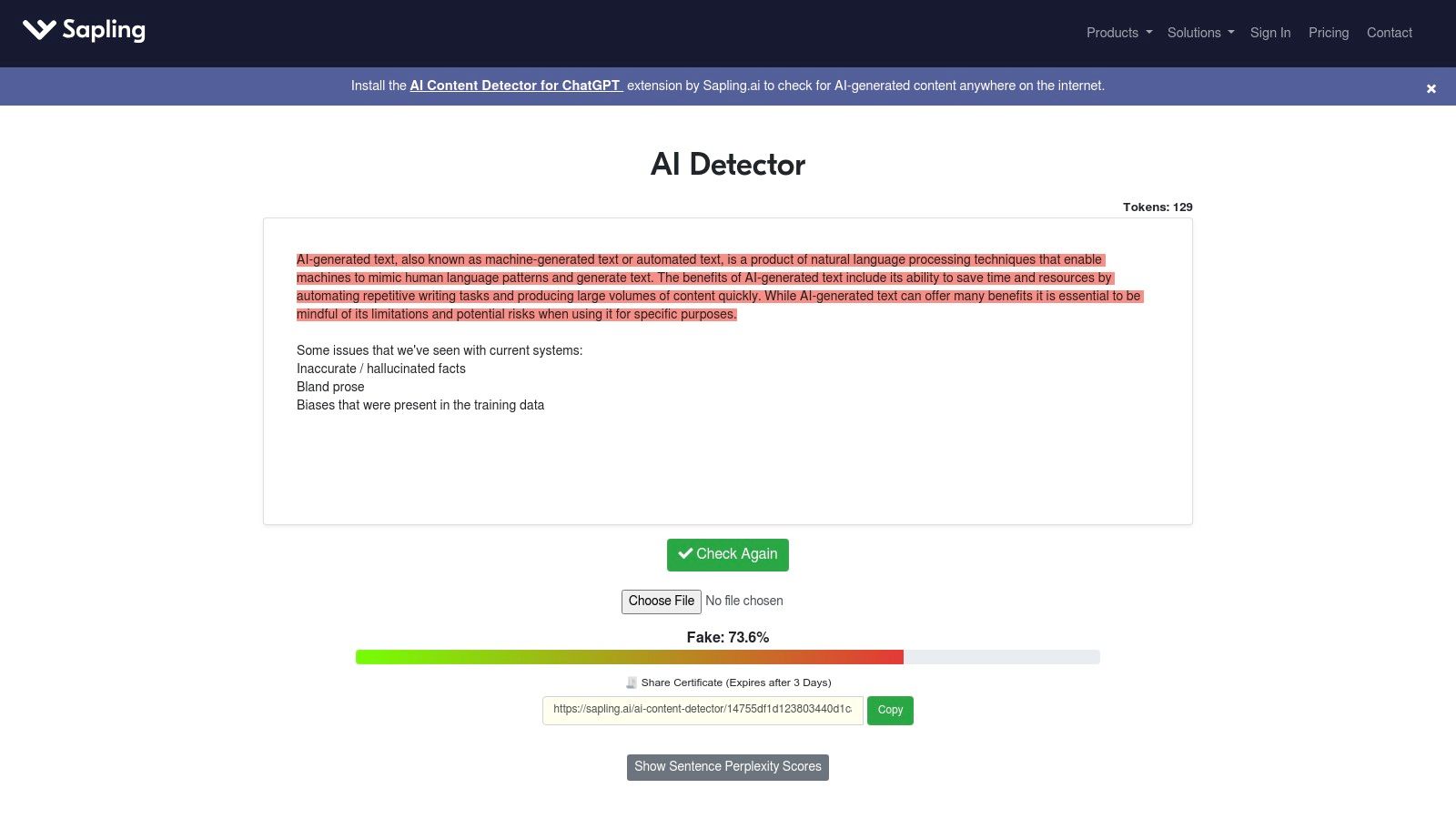
Its standout feature is its developer-centric approach, complete with a robust API for embedding detection into other platforms. For a writer, the free web tool is also valuable because it flags specific sentences that appear machine-generated. This actionable feedback helps you understand why your text might be flagged and how to revise it.
However, the free version has a character limit, pushing you toward paid plans for longer documents. While its Chrome extension is convenient for quick checks, the API pricing is based on character volume. Despite these hurdles, we appreciate its transparent and honest approach about the tool's limitations and potential for false positives.
Best Use Case: Developers building custom content moderation tools, and writers seeking sentence-level feedback. For example, a writer could paste a paragraph into the web tool to identify and rewrite sentences that sound too generic or robotic.
- Pros:
- Developer-friendly with clear documentation, API, and SDKs.
- Sentence-level highlighting provides actionable feedback.
- Transparent about the tool's limitations and potential for false positives.
- Cons:
- Free web tool has character limits requiring a subscription for heavy use.
- API pricing is volume-based and may require sales contact for full details.
- Less focused on an all-in-one plagiarism and readability solution.
7. Crossplag AI Content Detector: The Accessible Entry Point for Quick Scans
Crossplag offers a straightforward and free AI content detector that serves as an excellent starting point for a quick, no-frills assessment. It’s part of a larger plagiarism-checking suite, but the AI detection function is simple: paste your text and get an instant result. This accessibility makes it a practical choice for students or writers needing an occasional check without a paid plan.
The tool provides a simple confidence score, indicating the likelihood that the content is AI-generated. It doesn't offer the deep integrations of professional systems, positioning it as a spot-checking tool. Its strength is its simplicity and cost-free access, removing any barrier to entry.
However, its performance can be inconsistent, especially with shorter text samples. Our tests showed it was more reliable on longer articles where AI patterns are easier to identify. It also lacks advanced features like team management or in-depth reporting. Still, for a quick opinion, Crossplag is one of the best AI detectors for casual checks.
Best Use Case: Students, educators, and individual writers needing a free and fast way to perform basic AI content screening. For example, a student could run their final essay through it for a quick confidence check before submission.
- Pros:
- Completely free to use for AI detection.
- Simple paste-and-check interface is very user-friendly.
- Provides clear onboarding and helpful explanation pages.
- Cons:
- Lacks enterprise features like API access or team collaboration.
- Detection accuracy is less reliable on shorter text inputs.
- The AI detector is separate from its core paid plagiarism features.
8. Quetext AI Detector: Accessible Plagiarism and AI Checking for Academia
Quetext is widely known for its plagiarism checker, and its free AI detector is a valuable entry point for users, particularly in academia. It provides a simple tool for quick checks, making it ideal for students who need to verify shorter texts. The integration of AI detection with its established citation and plagiarism tools creates a cohesive academic integrity suite.
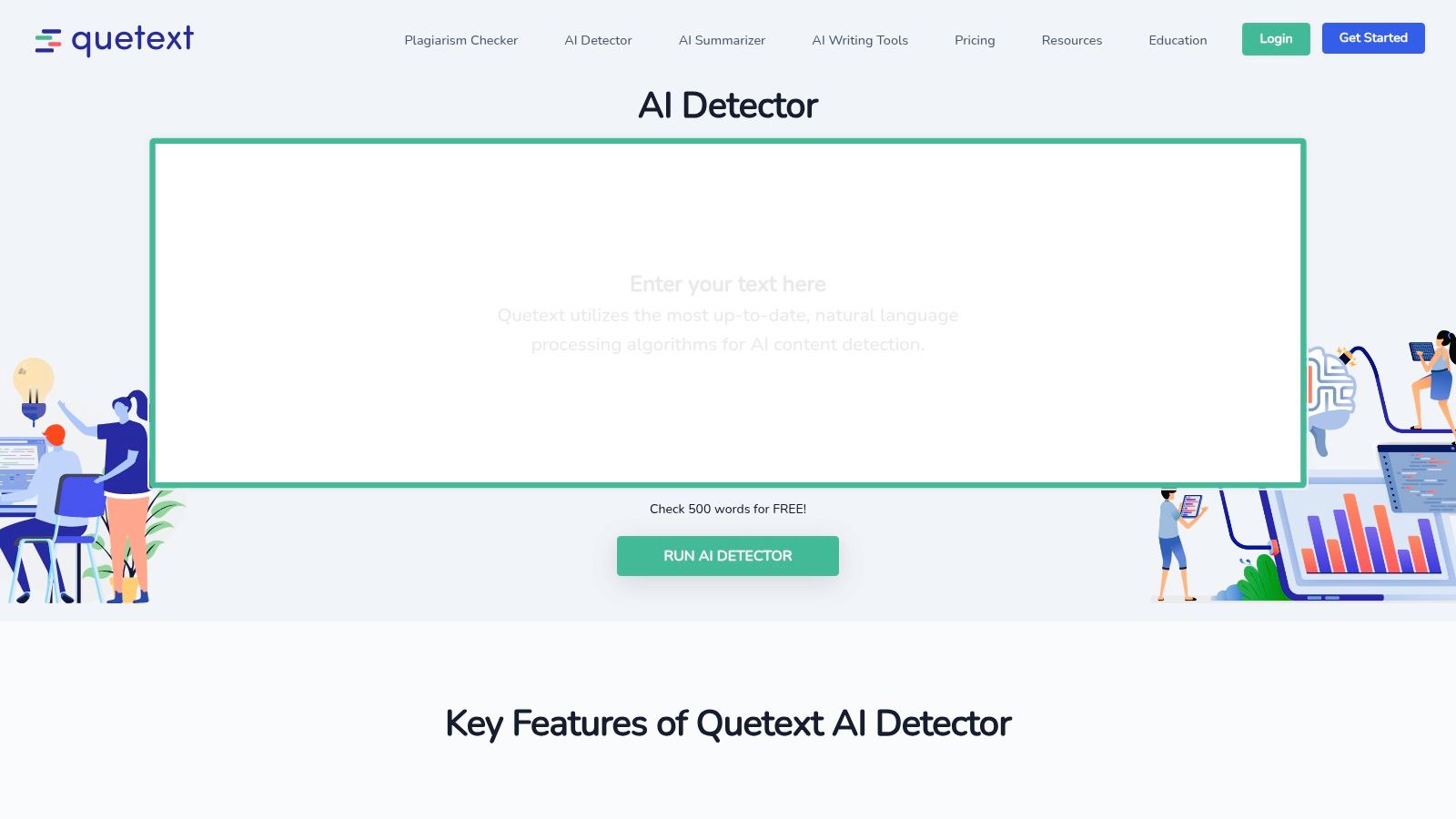
The platform's core appeal is its simplicity. The free scanner allows up to 500 words and offers line-by-line analysis that helps you understand which sentences are flagged. The Pro subscription expands this capability, combining the AI check with deep plagiarism searches, making it a practical two-in-one solution.
However, the 500-word limit on the free tool means it’s not suitable for analyzing longer essays in one go. Additionally, its primary focus is on English-language text. Despite these limitations, its ease of use makes it one of the best AI detectors for quick, straightforward assessments.
Best Use Case: Students and teachers needing a free, simple tool for checking short documents for both AI content and plagiarism. A student could use the free version to check a discussion board post or a short response paper.
- Pros:
- Generous free tier with no registration required for quick checks.
- Pairs AI detection with robust plagiarism and citation tools.
- User-friendly interface is ideal for academic users.
- Cons:
- Free checks are limited to 500 words per scan.
- Advanced features and longer scans require a paid subscription.
- Primarily focused on English, with limited support for other languages.
9. BrandWell AI Detector (formerly Content at Scale’s detector)
Originally from Content at Scale, this free AI detector is now part of the BrandWell suite, tailored for content marketers. It provides a quick, no-cost way to get an initial AI score on a piece of text. We found it useful for rapid checks on shorter marketing copy or blog snippets where a full analysis isn't needed.
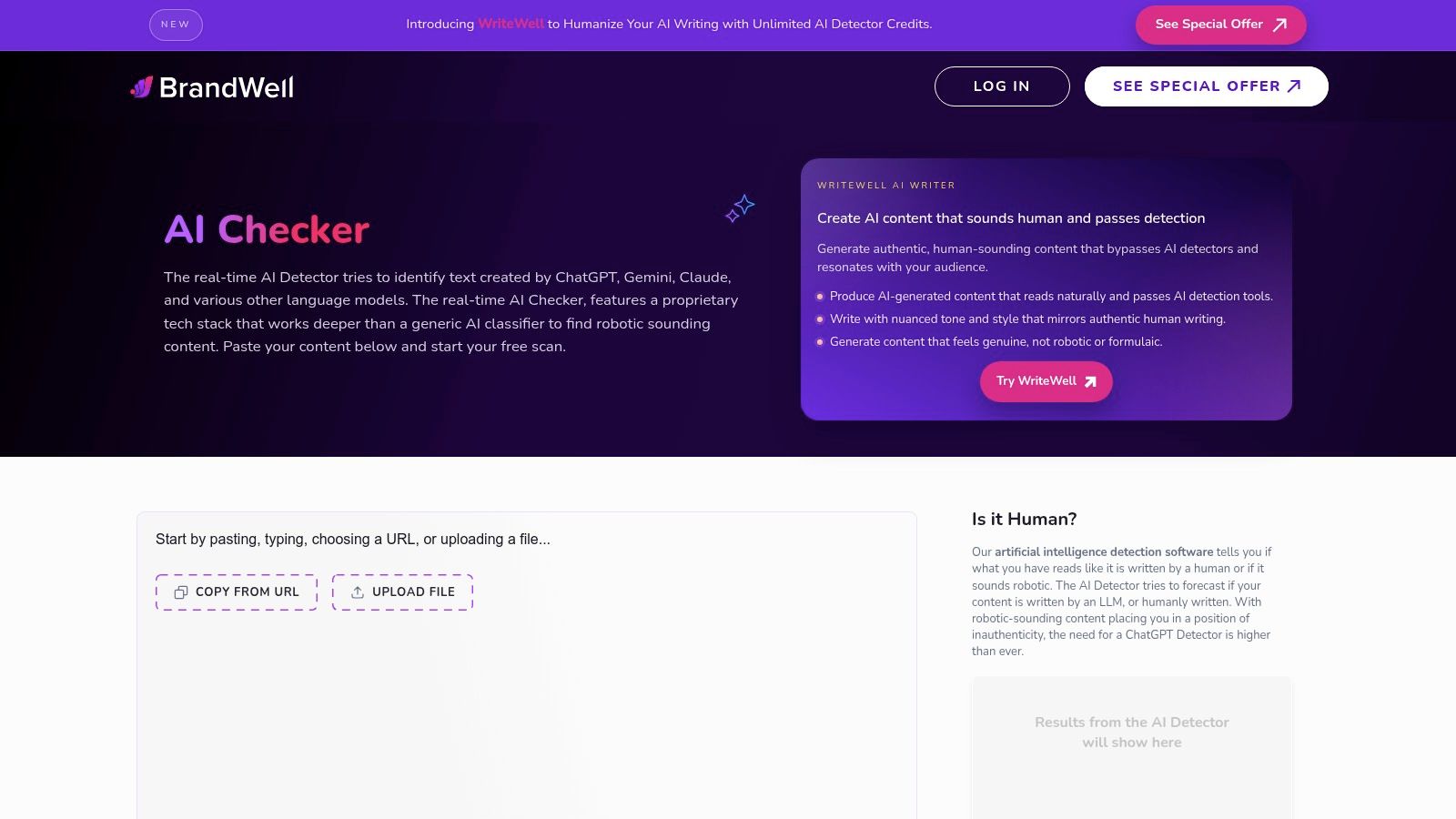
Its main advantage is the seamless workflow it offers marketers. The platform not only detects AI but also highlights robotic-sounding sentences and links directly to BrandWell’s humanization tools. This allows you to check, identify, and revise content all in one place. The ability to check content from a URL is another convenient feature.
However, it's primarily designed for English-language marketing content, which might reduce its accuracy on academic or technical writing. The ~2,500-character limit also makes it unsuitable for long-form articles. Despite these constraints, it’s a solid entry point for marketers looking for one of the best AI detectors integrated with revision tools.
Best Use Case: Content marketers and SEO specialists needing a quick, free tool to check short-form copy. For example, a social media manager could use it to quickly vet a batch of AI-generated captions before posting.
- Pros:
- Completely free for quick, in-browser checks.
- Integrated with humanization and SEO tools for a seamless revision process.
- Highlights specific sentences that may have been AI-generated.
- Cons:
- Primarily focused on English-language marketing content.
- Character limit makes it impractical for longer documents.
- Branding and product shifts can be confusing for new users.
10. ZeroGPT: The Accessible All-in-One Detector and Humanizer
ZeroGPT positions itself as a comprehensive suite for both detecting and refining AI-generated text. We found its free web detector to be a quick entry point, offering detailed sentence-by-sentence highlighting. The platform's standout feature is its integrated "Humanizer," designed to help you ethically revise AI text to pass detection and sound more authentic.
Its core strength is accessibility. ZeroGPT provides a generous free tier and affordable paid plans that unlock features like batch file processing. This makes it one of the best AI detectors for students, bloggers, or small businesses needing more than a one-off check without a big investment. The developer API also allows for easy integration into custom workflows.
However, be mindful of its multiple branded domains and stick to the official platform. Like any detector, its accuracy can vary, and we recommend validating its findings. The humanizer tool is useful but should be used to guide genuine revision, not just to "beat" the system.
Best Use Case: Students, freelance writers, and small marketing teams who need an affordable, multi-functional tool for both AI detection and content refinement. A freelance writer could use it to check their AI-assisted draft and then use the humanizer to refine sentences for a more natural flow.
- Pros:
- Generous free tier and affordable high-volume plans.
- Integrated humanizer helps refine AI-assisted text.
- API is available for custom platform and app integration.
- Cons:
- Multiple branded domains can be confusing.
- Detector accuracy should always be validated on your own content.
- Humanizer tool requires ethical use to maintain writing authenticity.
11. Scribbr: The All-in-One Solution for Academic Integrity
Scribbr is best known as a robust plagiarism checker, but it now includes an AI writing percentage in its reports. This makes it an excellent choice for one-off, comprehensive checks where both originality and authorship are in question. This integrated approach makes it one of the best AI detectors for academic use.
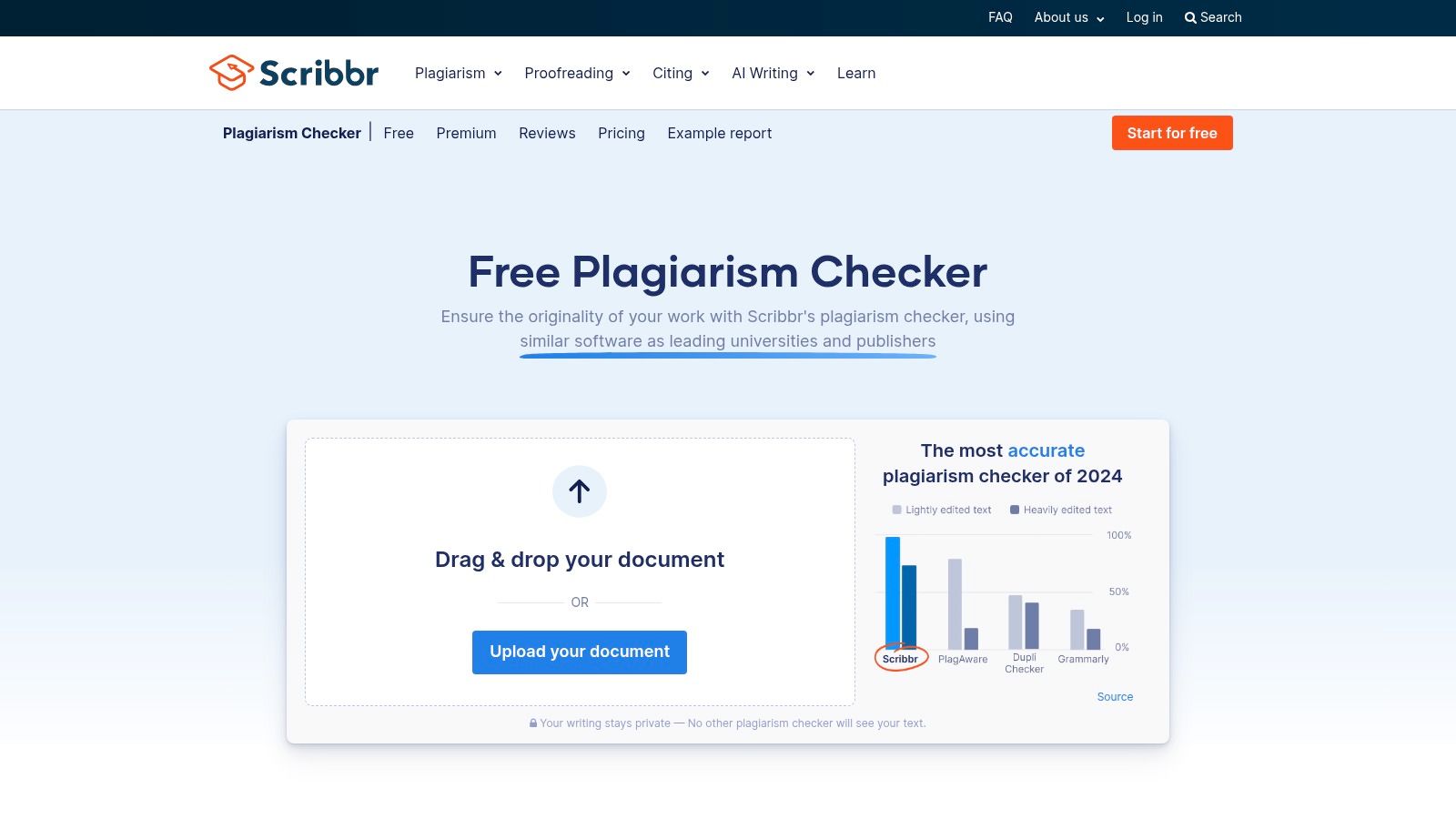
Its strength is its pay-per-document model. You don't need a recurring subscription, which is ideal for a student submitting a final thesis or a writer checking a single important article. The platform provides a full similarity report, and the AI score is presented as an additional, easy-to-understand metric within that same report.
However, Scribbr is not designed for high-volume content operations, as the per-document cost can add up quickly. Additionally, its AI detection offers less granularity compared to specialized AI detectors.
Best Use Case: Students, academic researchers, and individual writers who need a comprehensive plagiarism and AI check on a single document. For example, a Ph.D. student could use it for a final check of their dissertation before submission.
- Pros:
- Convenient pay-as-you-go pricing is perfect for occasional use.
- Combines a top-tier plagiarism check with an AI score in one report.
- Simple, user-friendly interface designed for academic submissions.
- Cons:
- Becomes expensive for high-volume or ongoing content checks.
- AI detection is less detailed than dedicated, specialist tools.
- Primarily focused on academic needs, not professional content publishing.
12. Google DeepMind SynthID Detector: The Provenance-Based Approach
Google DeepMind's SynthID takes a fundamentally different approach, focusing on digital watermarking rather than text analysis. It's designed to identify media (images, audio, and text) generated by Google’s own AI models by detecting an invisible, embedded watermark. This tool verifies the origin of content rather than guessing if it sounds like AI.
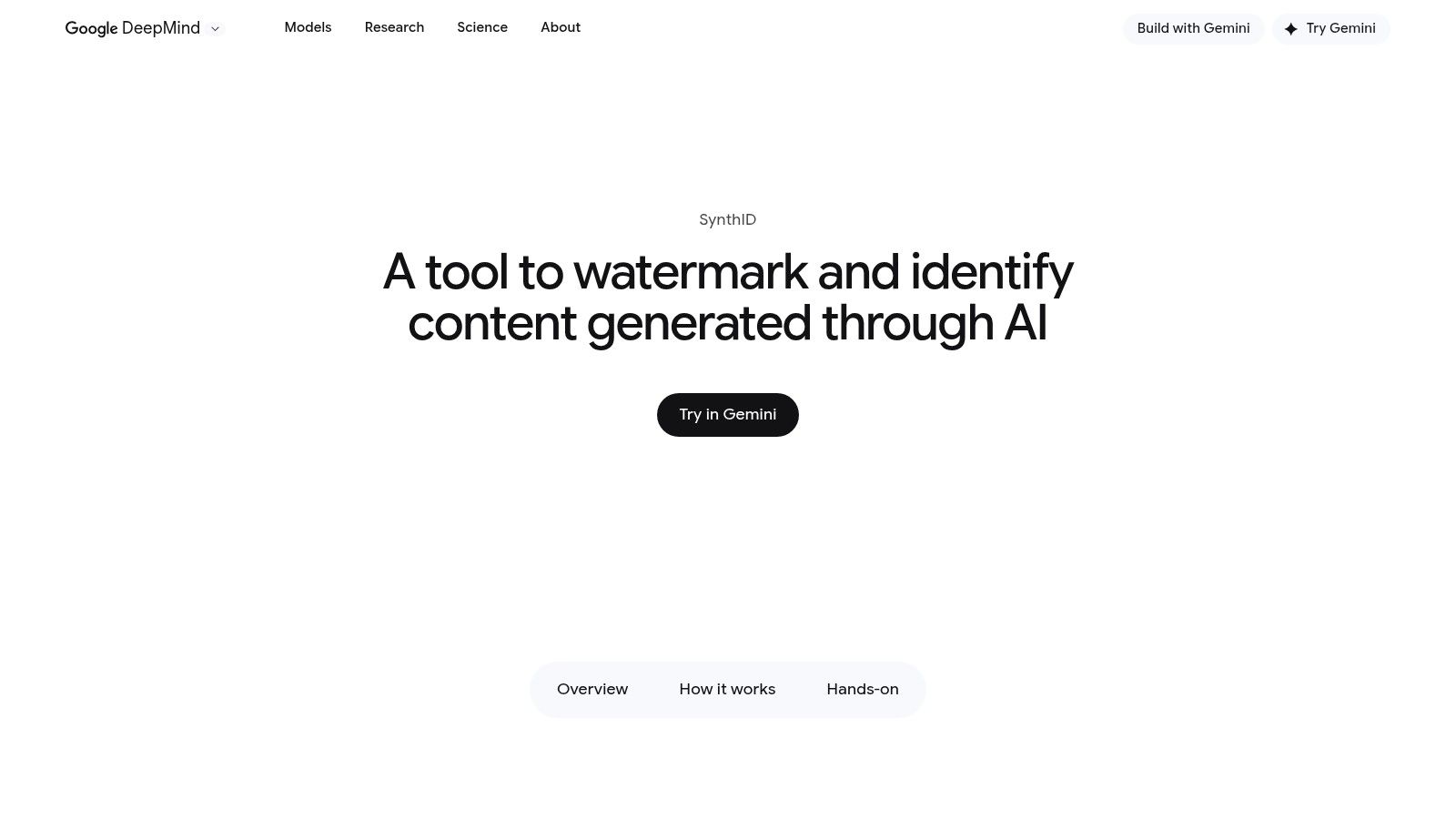
Its strength is its reliability for supported content. Since it looks for a specific digital signature, the results are far more definitive. This represents a potential future for AI detection where verifiable origin trumps stylistic guesswork, making it one of the most interesting developments among the best AI detectors.
The significant limitation, however, is its closed ecosystem. SynthID can only detect content watermarked by participating Google tools. It will not flag content from ChatGPT, Midjourney, or other non-Google sources. Access is also currently limited, restricting its immediate practical use.
Best Use Case: Journalists and researchers needing to verify the authenticity of media specifically originating from Google's AI ecosystem. A news organization could use it to confirm that an image provided to them was indeed generated by Google's AI and not a real photograph.
- Pros:
- Provenance-based detection offers higher accuracy than heuristic analysis.
- Official Google tool, indicating robust development and support.
- Supports multiple media types, including images, audio, and text.
- Cons:
- Only detects content watermarked by specific Google AI tools.
- Useless for identifying content from non-Google AI models.
- Currently has limited access (gated beta/waitlist).
Top 12 AI Detectors — Feature Comparison
| Tool | Core features ✨ | Quality ★ | Price / Value 💰 | Target audience 👥 | Standout / USP 🏆 |
|---|---|---|---|---|---|
| Originality.ai | AI detector tuned to recent LLMs; plagiarism + readability; API & team seats | ★★★★☆ | 💰 Credit-based subscription; predictable costs | 👥 Publishers, agencies, SEO/content ops | 🏆 Frequent model updates; enterprise tooling |
| Copyleaks | Multi-language AI & plagiarism; website scanning; LMS & Chrome add‑ons | ★★★★ | 💰 Credit-based tiers; edu/enterprise plans | 👥 Education institutions & businesses | 🏆 Broad language support + LMS integrations |
| GPTZero (official) | Sentence-level reports; Advanced Scan; Google Docs/Canvas integrations | ★★★★ | 💰 Free limited tier; paid for scale | 👥 Schools, educators, orgs with reporting needs | 🏆 Classroom-focused reporting & integrations |
| Winston AI | Multimodal (text + images/deepfakes); OCR; shareable PDFs; extension | ★★★★ | 💰 Credit system; generous Essential plan | 👥 Teams needing text + image provenance | 🏆 Multimodal detection (images + text) |
| Turnitin (AI indicator) | AI indicator inside Similarity suite; LMS integrations; large repo | ★★★★☆ | 💰 Institutional licensing (not for individuals) | 👥 Universities, departments, faculty | 🏆 Deep academic repository & centralized reporting |
| Sapling AI Detector | Sentence flags & perplexity; PDF/DOCX uploads; API/SDK | ★★★ | 💰 Free web limits; API priced by volume | 👥 Developers, product teams, support writers | 🏆 Developer-friendly docs & SDKs |
| Crossplag AI Content Detector | Paste-and-check free detector; confidence %; multi-language plagiarism | ★★★ | 💰 Free detector; paid plagiarism credits | 👥 Quick-screen users, small teams | 🏆 Easy no-cost starting point |
| Quetext AI Detector | 500-word free checks; line-by-line insights; plagiarism pairing | ★★★★ | 💰 Free limited checks; Pro for longer docs | 👥 Students, teachers, small teams | 🏆 Low barrier + combined citation/plagiarism tools |
| BrandWell (Content at Scale) | Free in-browser detector; fetch-url; humanization & SEO tools | ★★★ | 💰 Free (limited chars); upgrade for tools | 👥 Marketers & content writers | 🏆 Integrated humanize/SEO workflow for marketing |
| ZeroGPT | Web detector + batch uploads; humanizer/hardening tools; API | ★★★ | 💰 Free starter words; affordable high-volume tiers | 👥 Devs & content teams needing humanizer | 🏆 Built-in humanizer + API options |
| Scribbr | Pay-per-document plagiarism reports with AI % indicator | ★★★★ | 💰 Pay-as-you-go per doc (no subscription) | 👥 Students, occasional users, researchers | 🏆 Transparent per-document pricing; simple workflow |
| Google DeepMind SynthID Detector | Uploads to detect SynthID watermarks across modalities | ★★★★☆ | 💰 Free but gated (beta/waitlist) | 👥 Creators/verifiers of Google‑watermarked media | 🏆 Provenance-based watermark detection (robust) |
Your Next Step: From Detection to Authentic Creation
Navigating the landscape of the best AI detectors reveals a crucial truth: these are diagnostic tools, not definitive judges. A high AI score isn't a failure; it's feedback. It's a signpost guiding you toward more authentic, human-centric content that truly connects with your audience.
The goal isn't just to "pass" a detector. The real objective is to produce work that resonates, persuades, and builds trust. Whether you're a content marketer aiming for top rankings or a student striving for academic integrity, authenticity is your most powerful asset.
Selecting the Right Detector for Your Needs
Choosing the right tool from this list depends entirely on your specific workflow. Your decision should be guided by a few key considerations:
For High-Stakes Accuracy: Content agencies and SEO professionals should prioritize platforms with detailed reporting, such as Originality.ai or Winston AI. Their granular analysis provides the confidence needed for professional publishing.
For Educational Use: Students and educators will find the most value in detectors integrated with plagiarism checkers. Tools like Turnitin, Scribbr, and GPTZero are designed for academic environments where originality is paramount.
For API Integration: For businesses needing to integrate detection into their existing systems, Copyleaks and Sapling offer robust APIs, making them scalable solutions.
For Quick, Casual Checks: If you're a writer looking for a quick spot-check, free tools like Quetext and BrandWell offer accessible, immediate feedback to help you gut-check your drafts.
Remember that no single detector is infallible. The most effective strategy involves using these tools as part of a multi-layered verification process. This approach mitigates the risk of false positives and gives you a more holistic view of your content's originality.
The Human-in-the-Loop Workflow
Ultimately, the most sophisticated AI detector is still the discerning human reader. The insights you gain from a detection report are the starting point for the most critical phase: humanization. This is where you infuse the text with your unique voice, perspective, and style by refining sentence structure, adding personal anecdotes, and ensuring the tone aligns with your message.
To master authentic creation, it's helpful to explore the best AI content creation tools to understand the landscape. Using an AI writer for a first draft and a detector to verify it is a powerful combination. However, the final, indispensable step is the human touch that transforms a competent draft into a compelling final piece.
This is the philosophy we champion at PureWrite. We believe AI should be a powerful assistant, not a replacement for your creativity. The best AI detectors can tell you what sounds robotic; the next step is having a process to fix it. Instead of fearing detection, embrace a smarter workflow: Draft with AI, verify with a detector, and perfect with your unique human insight.
Don't just detect, perfect. After identifying AI-like text with the best AI detectors, use PureWrite to effortlessly humanize your content, ensuring it's engaging, authentic, and ready for your audience. Elevate your writing from machine-generated to human-mastered with a single click at PureWrite.