The Top 12 Free Plagiarism Checker Tools for Authentic Content
In a world increasingly filled with AI-generated content, maintaining authenticity is crucial. As a content creator, student, or professional, you're navigating a new landscape where AI writing tools can draft content in seconds. With this convenience comes a critical responsibility: ensuring your work is original and ethically sound.
Plagiarism, whether accidental or intentional, can damage professional reputations, academic standing, and even search engine rankings. A 2023 study found that over 60% of students admit to using AI in their assignments, highlighting the urgent need for robust originality checks. Understanding what is duplicate content and its negative effects is the first step.
This guide provides practical, actionable advice to help you find the best platform for your needs. We’ve analyzed the top free plagiarism checker tools, breaking down their features, limitations, and ideal use cases. Each entry includes screenshots and direct links to help you get started immediately.
At PureWrite, we believe technology should empower authentic writing, not replace it. Our goal is to equip you with the right tools to verify your work, uphold your integrity, and produce content that is truly your own. Let's explore the best free plagiarism checkers to help you achieve that.
1. Grammarly — Plagiarism Checker
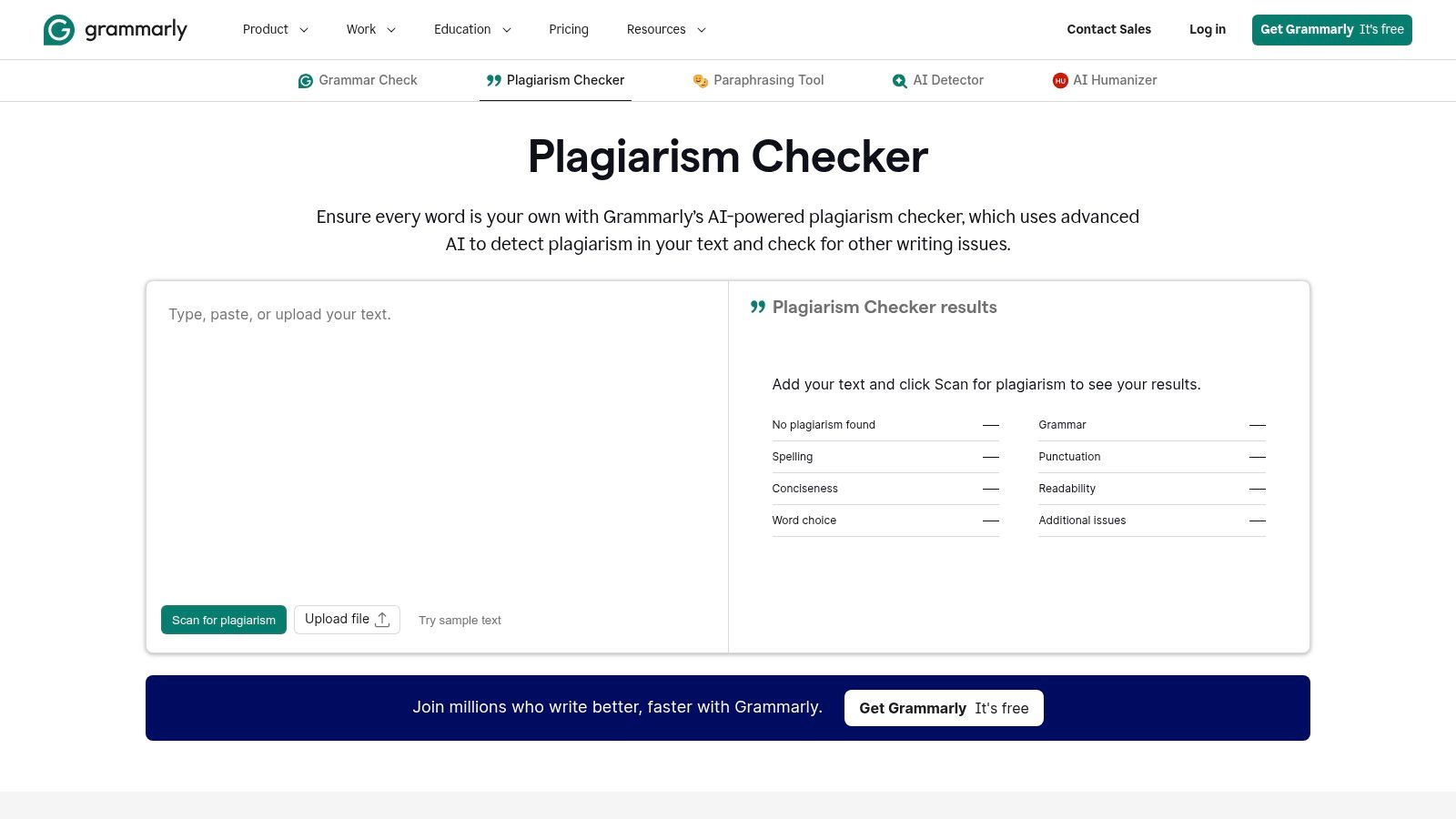
Grammarly is a comprehensive writing assistant, and its plagiarism checker is a powerful part of its suite. While the full functionality requires a subscription, its free version offers a crucial first-pass analysis, making it one of the most popular free plagiarism checker tools available. It checks your text against ProQuest's academic databases and billions of web pages, giving you an initial originality assessment.
For example, a marketer using the Grammarly browser extension can get instant feedback on a blog draft while writing in their CMS. This seamless integration allows you to check for plagiarism while simultaneously receiving feedback on grammar, style, and tone, creating a unified and efficient workspace.
Key Features and Limitations
- Integrated Platform: The checker works alongside grammar and style suggestions, creating an all-in-one editing environment.
- Vast Database: Scans against a massive library of both web content and academic papers.
- Citation Assistance: The premium version offers suggestions to help you correctly cite sources you may have missed.
The main limitation is that the free version provides only a basic "plagiarism detected" notification without showing specific sentences or sources. To see a detailed report with percentages and source links, you need a premium subscription.
Best for: Writers and students who already use Grammarly for grammar and want a quick, integrated originality check before a final, more detailed scan.
Website: https://www.grammarly.com/plagiarism-checker
2. Scribbr — Free Plagiarism Checker (plus paid per-document)
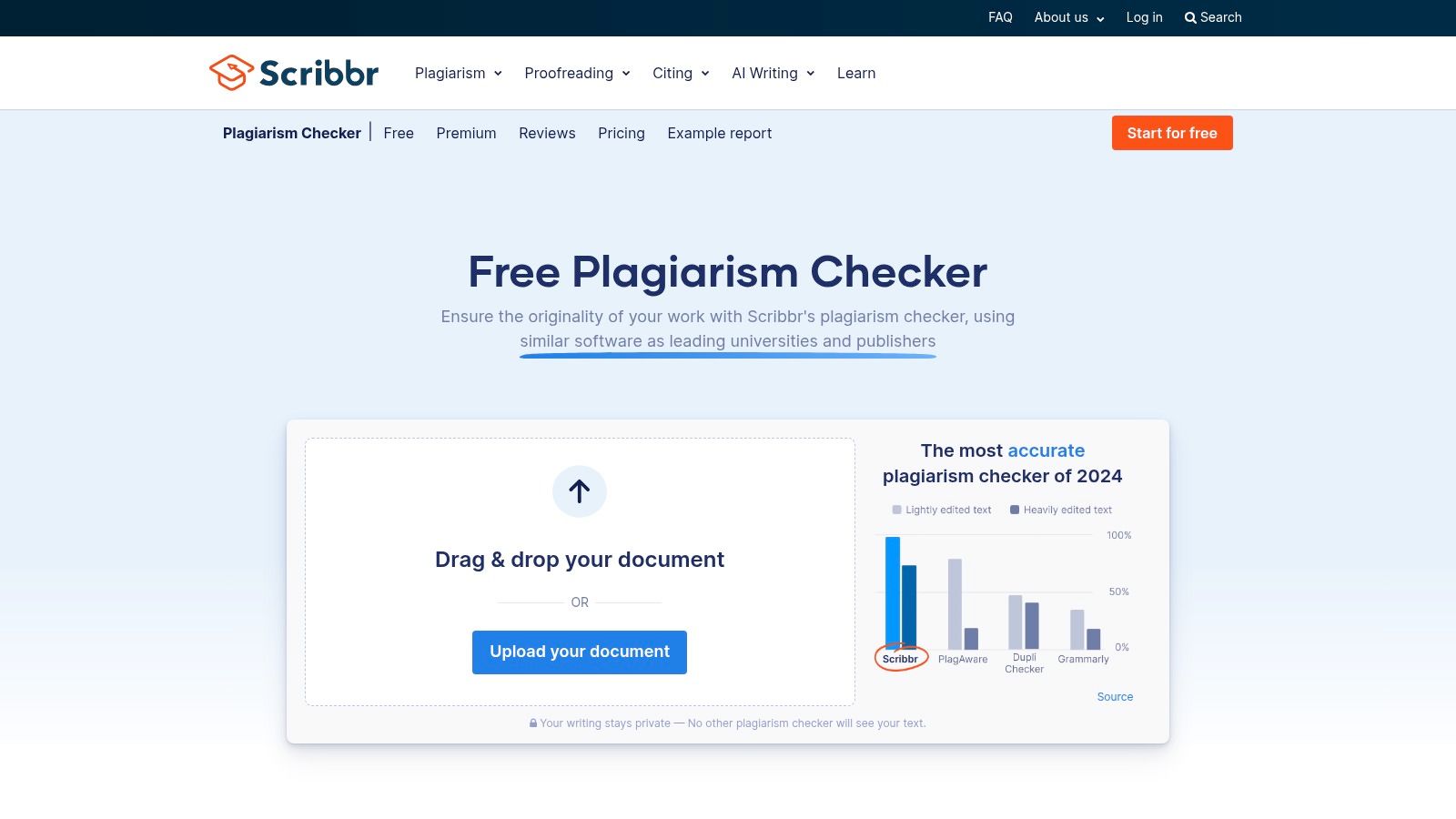
Scribbr is highly regarded in academic circles, offering a plagiarism checker designed for students and researchers. While its full power is a paid service, it provides a limited free check that previews potential issues, making it a valuable entry on any list of free plagiarism checker tools. Its core distinction is its transparent, pay-per-document model, allowing you to purchase detailed reports without a recurring subscription.
A great use case is a university student finalizing their thesis. They can use Scribbr for a comprehensive, one-time check that provides a side-by-side comparison with source materials, highlighting matched text for easy review. This approach is perfect for academic work where meticulous citation is non-negotiable.
Key Features and Limitations
- Side-by-Side Comparison: Premium reports clearly show your text next to the original source, making it simple to identify and correct matching passages.
- Self-Plagiarism Check: You can upload your previous documents to ensure you are not unintentionally recycling your own work without proper citation.
- Transparent Pricing: No subscription is required; you pay a one-time fee for each document you want to check thoroughly.
The main limitation is the scope of the free version, which only offers a preview rather than a full report. For frequent use, the per-document costs can become significant compared to a monthly subscription from another service.
Best for: Students and academics needing a high-accuracy, detailed report for a final paper and who prefer a pay-as-you-go model over a subscription.
Website: https://www.scribbr.com/plagiarism-checker/
3. Copyleaks — Online Plagiarism Detector
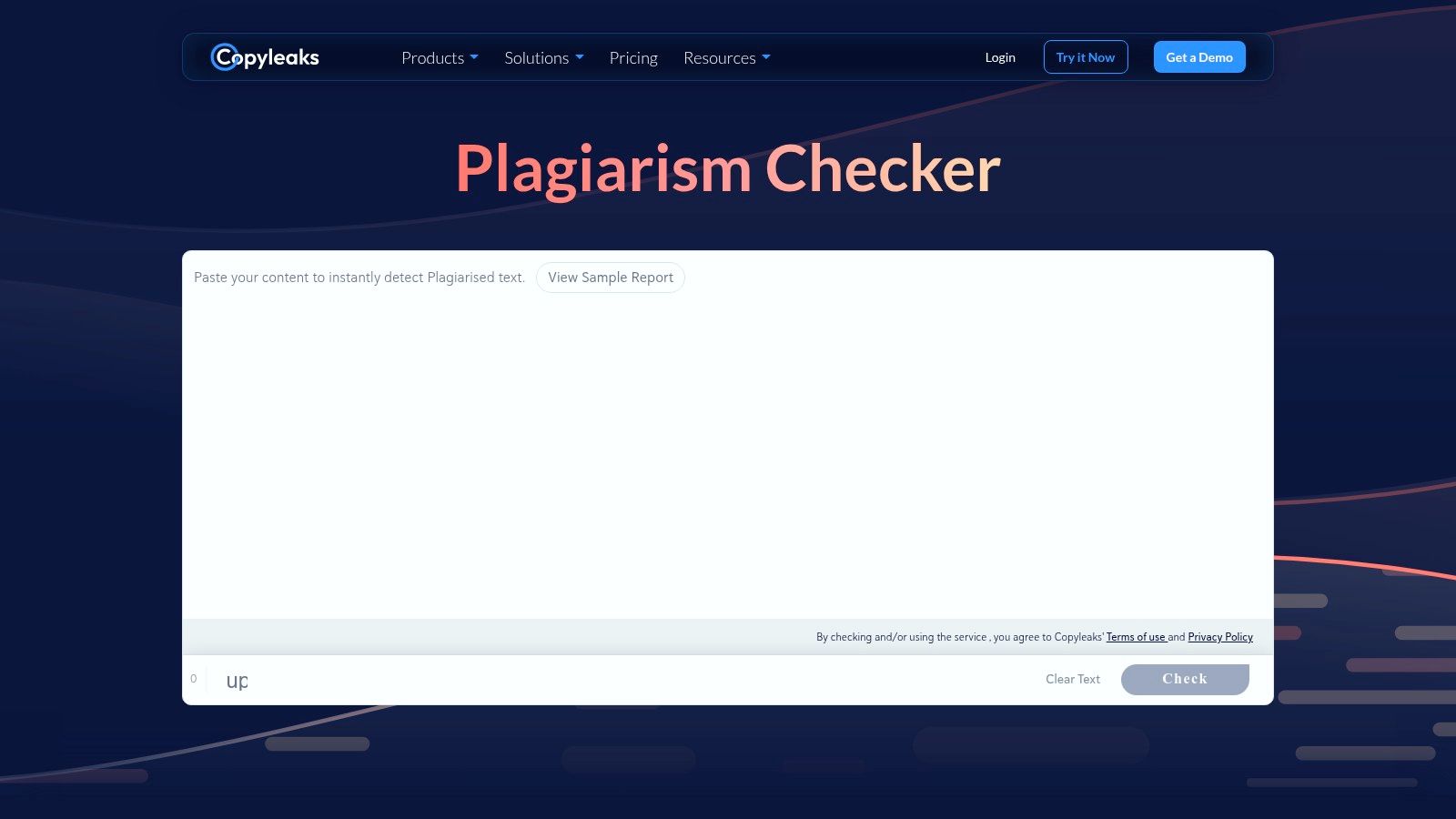
Copyleaks positions itself as an enterprise-grade solution, offering a sophisticated plagiarism and AI content detector. While primarily a paid service, its free trial tier provides a comprehensive look into its powerful capabilities, making it a noteworthy contender among free plagiarism checker tools. It scans billions of web pages, licensed private databases, and open-access academic journals, providing a highly detailed analysis.
Imagine an enterprise marketing team that needs to verify content from multiple freelance writers. Copyleaks allows them to check for both plagiarism and AI-generated text, ensuring all content meets brand standards for originality and authenticity before publication. Its GDPR and SOC 2 compliance also provides peace of mind when handling sensitive documents.
Key Features and Limitations
- Advanced Detection: Includes AI-generated text detection and cross-language similarity checks.
- Enterprise-Grade Security: Offers robust data protection and compliance, ideal for institutional use.
- Comprehensive Reports: Generates detailed, shareable reports that highlight matched text and sources.
- Code Plagiarism Check: Scans for similarities in various programming languages.
The main limitation is its pricing model. The free access is credit-based (you get a certain number of pages to scan for free per month), which may not be enough for users with regular or high-volume needs.
Best for: Educational institutions, businesses, and developers needing a secure, highly detailed plagiarism checker with advanced features like code and cross-language scanning.
Website: https://copyleaks.com/plagiarism-detector
4. Copyscape — Free and Premium
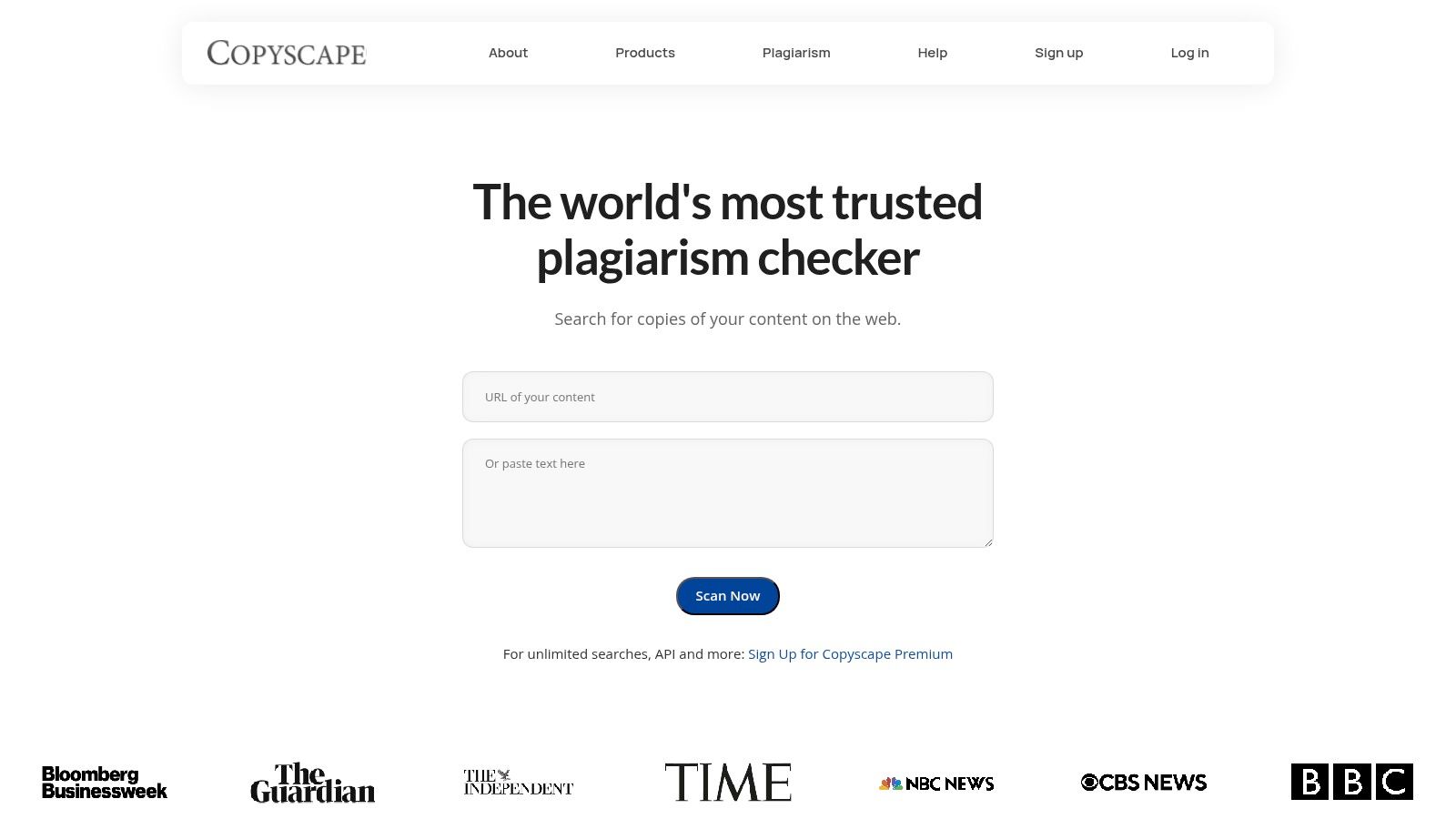
Copyscape has long been a go-to tool for website owners and SEO professionals concerned with duplicate content online. Unlike other free plagiarism checker tools that focus on pasted text, Copyscape's free service scans a specific, live URL. This makes it exceptionally useful for verifying that your published content has not been copied and republished elsewhere without permission.
A practical example is a content creator who discovers their blog post is being outranked by another site. They can use Copyscape's free URL check to instantly see if that site has copied their content, providing the evidence needed for a takedown request.
Key Features and Limitations
- URL-Based Scanning: The free tool allows you to check for copies of a specific published page across the internet.
- Trusted Industry Standard: Widely recognized as a reliable tool for detecting online content theft.
- Copysentry Service: A premium feature that provides automated, ongoing monitoring of your entire website to alert you of new instances of plagiarism.
The main limitation of the free version is that it cannot check unpublished drafts, as you cannot paste text or upload a document; a live URL is required. For that functionality, you must use the paid Copyscape Premium service.
Best for: Website owners, bloggers, and SEO specialists who need to check if their published online content has been duplicated elsewhere.
Website: https://www.copyscape.com/
5. SmallSEOTools — Plagiarism Checker
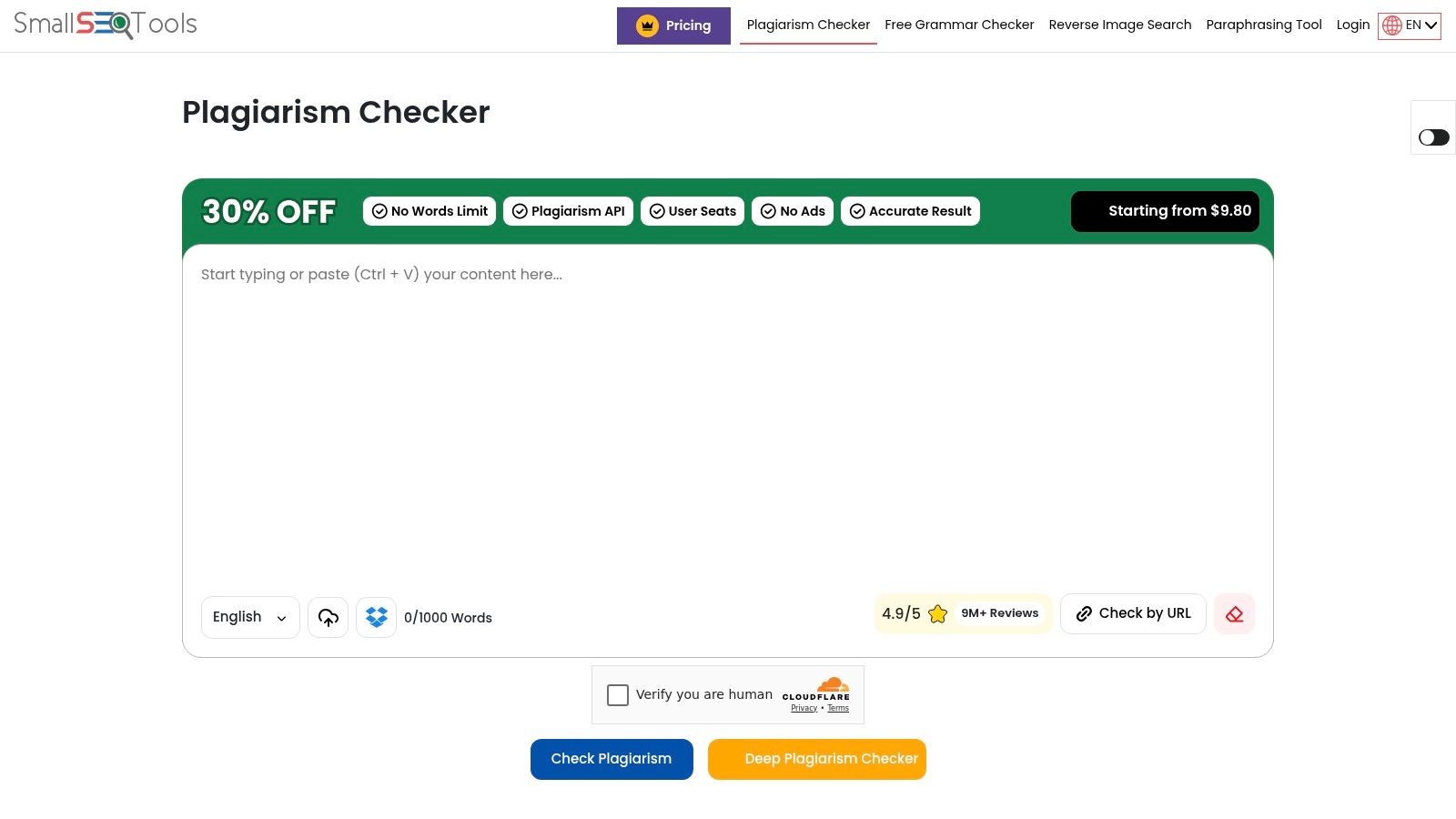
SmallSEOTools offers one of the most accessible and widely used free plagiarism checker tools on the web. It's a straightforward, browser-based solution that allows you to quickly check text without needing to register or install software. The tool functions by scanning your content against billions of web pages, providing a simple yet effective first line of defense against unintentional duplication.
Its sheer convenience makes it a popular choice. A freelance writer on a tight deadline can quickly paste a 1,000-word article into the tool for a final check before sending it to a client. This versatility makes it a go-to resource for fast assessments.
Key Features and Limitations
- Multiple Input Methods: Supports direct text paste, document uploads (DOC, PDF, etc.), and URL checking.
- Percentage-Based Reports: Provides a clear percentage of unique and plagiarized content, with options to download a report.
- Multilingual Support: Can process and check content in several languages beyond English.
- No Sign-Up Required: Offers immediate access for quick scans, making it highly convenient.
The primary limitation of the free version is the 1,000-word cap per search, which may require you to break longer documents into smaller chunks. While it excels at comparing text against public web pages, its access to academic databases is not as comprehensive as some university-focused tools.
Best for: Users needing a quick, no-registration-required check for web-based plagiarism on shorter texts like blog posts or articles.
Website: https://smallseotools.com/plagiarism-checker/
6. DupliChecker — Plagiarism Checker
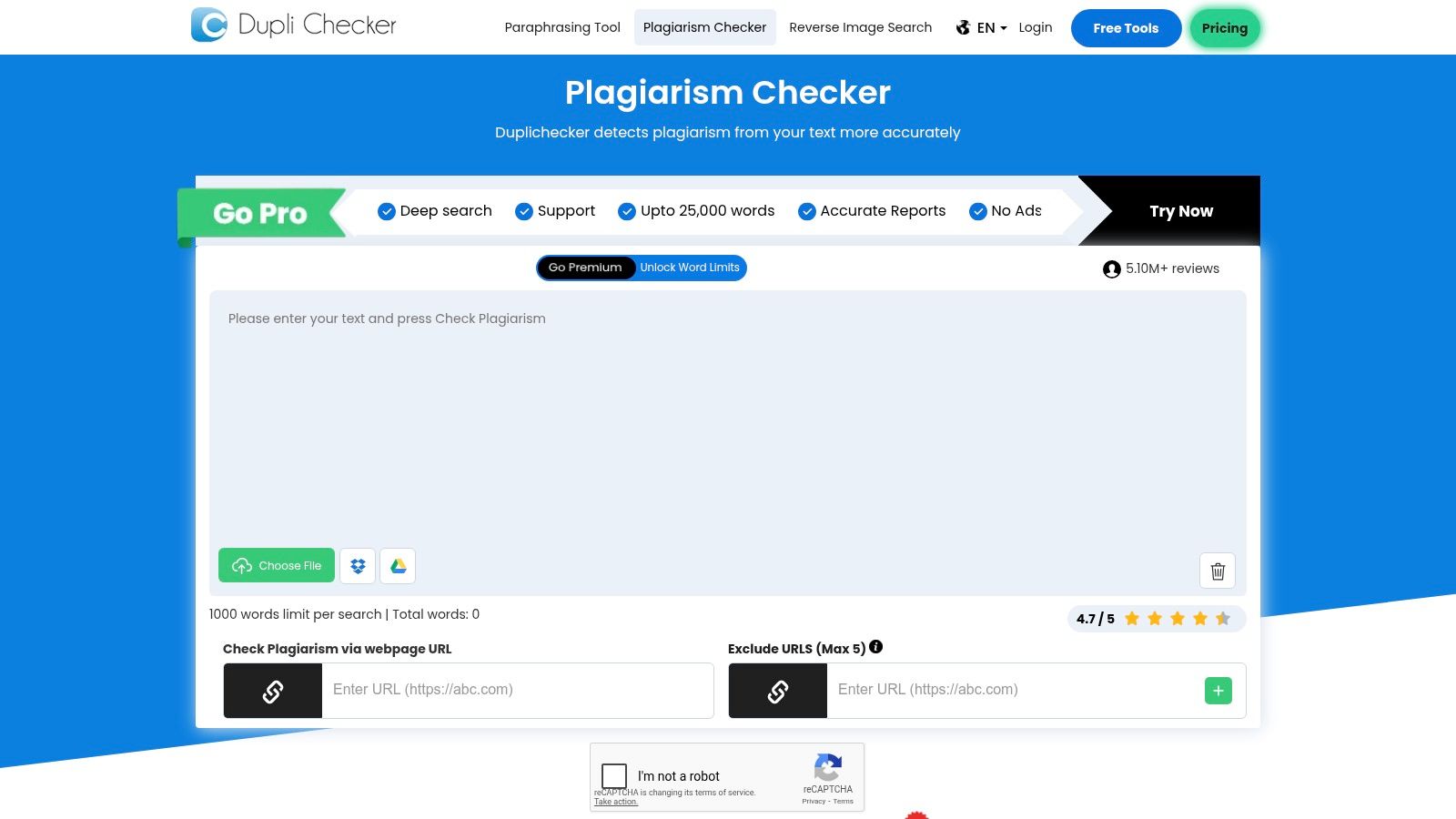
DupliChecker is a highly accessible and straightforward tool, making it a popular choice for quick, no-fuss originality checks. It offers multiple ways to submit your text, including copy-paste, file upload, or by entering a URL. This flexibility makes it a convenient option among free plagiarism checker tools for users who need a fast assessment without the commitment of a sign-up.
Its core appeal lies in its simplicity and speed. For instance, a student can use it to check an essay paragraph by paragraph while writing. The interface is user-friendly, presenting results with color-coded highlights to distinguish between unique and potentially plagiarized sentences.
Key Features and Limitations
- Multiple Input Methods: Check content by pasting text, uploading various file types, or analyzing a live webpage URL.
- Downloadable Reports: Users can export the plagiarism analysis as a PDF, which is useful for academic submissions or client reporting.
- Multilingual Support: The tool functions across several languages, broadening its usability for international users.
The main limitation of DupliChecker's free version is its word count restriction, which is typically around 1,000 words per scan. This cap means it is best suited for shorter documents like blog posts or articles rather than long-form content.
Best for: Bloggers, students, and SEO professionals who need to run quick, occasional checks on shorter pieces of content without creating an account.
Website: https://www.duplichecker.com/
7. Prepostseo — Plagiarism Checker
Prepostseo offers a suite of online tools for writers and SEO professionals, and its plagiarism checker is a central feature. This tool provides a straightforward way to check for originality by either pasting text directly or uploading a file. It caters to a wide audience with a tiered access system: guest users can check up to 1,000 words, while registered free users get a slightly higher limit.
A content marketing team can use Prepostseo as a multifunctional hub. After checking an article for plagiarism, they can immediately use the platform's paraphrasing tool to rephrase a flagged sentence, all without leaving the site. This integrated workflow saves time and improves efficiency.
Key Features and Limitations
- Tiered Free Access: Offers a 1,000-word limit for guests and a higher limit (typically 1,500 words) for registered free users.
- Integrated Tool Suite: Works alongside a paraphraser, grammar checker, and other SEO tools, creating a multifunctional platform.
- Source Reporting: The free version provides links to sources it identifies as potential matches, allowing for direct comparison.
The main limitation is the word count cap on the free plans, which may require you to check longer documents in multiple parts. The interface for free users is also supported by ads, which can be distracting.
Best for: SEO specialists and content creators who use a variety of content optimization tools and want an integrated plagiarism checker for quick scans.
Website: https://www.prepostseo.com/plagiarism-checker
8. Check‑Plagiarism — Free Online Plagiarism Checker
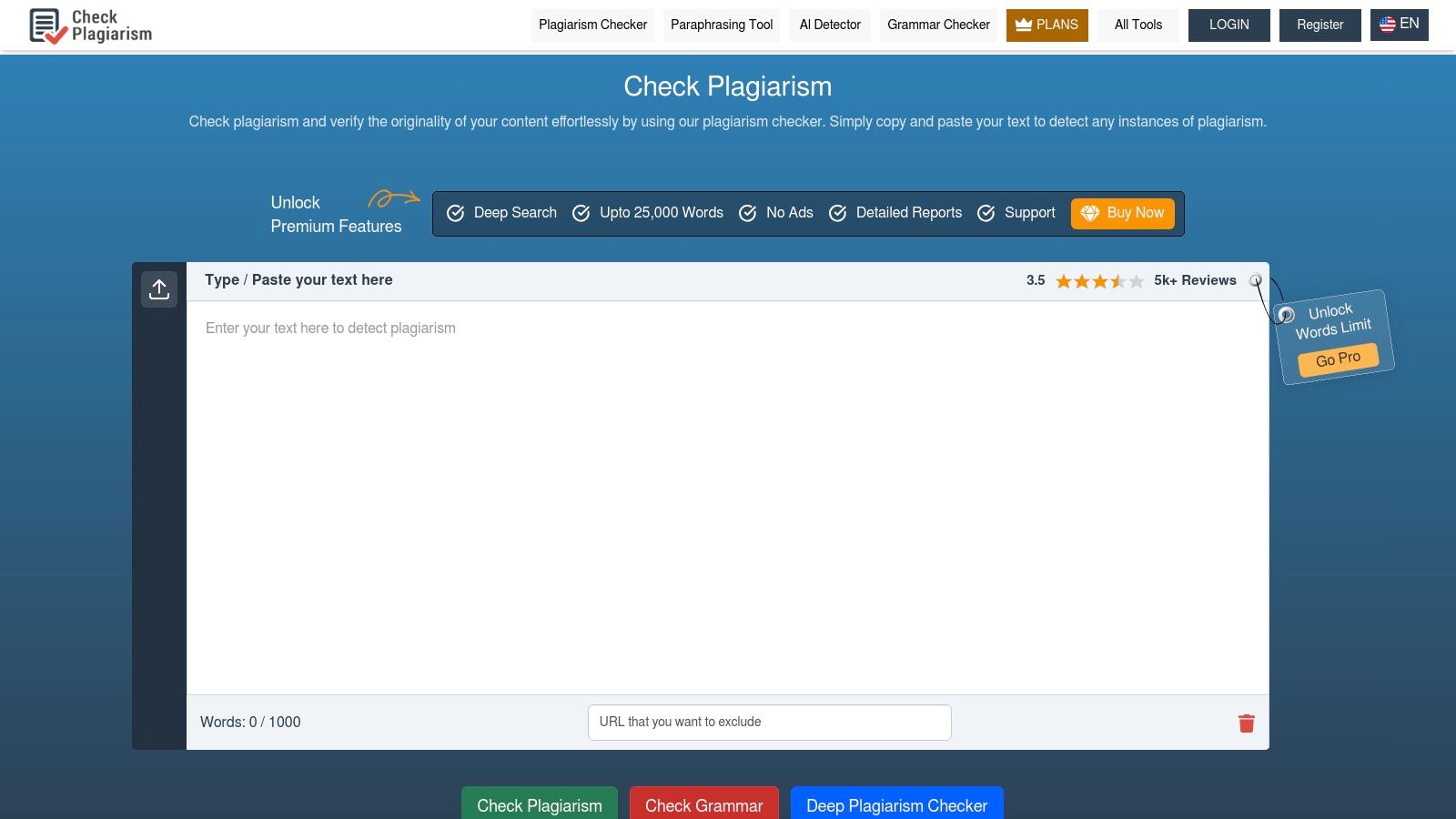
Check-Plagiarism is a straightforward tool designed for quick and accessible originality scans. It stands out by offering downloadable PDF reports and percentage-based results even on its free tier, which many other free plagiarism checker tools reserve for paid users. The platform allows you to either paste text directly or upload files, making it flexible for different workflows.
A teacher could use this tool to quickly check a batch of student assignments. By uploading multiple files at once, they can efficiently screen for plagiarism and download individual PDF reports for their records, all without a paid subscription.
Key Features and Limitations
- Downloadable Reports: Generates shareable PDF reports detailing plagiarism percentages and sources, a rare feature for a free tool.
- Multiple Input Methods: Supports copy-paste, file uploads (DOC, DOCX, TXT, PDF), and even batch file checks.
- Multilingual Support: Can check content for plagiarism in over 20 languages.
The primary limitation is the word count, which is capped at around 1,000 words per scan on the free plan. While sufficient for short articles, it is not ideal for longer documents like research papers.
Best for: Students, bloggers, and SEO professionals needing a quick check on short-form content with the bonus of a downloadable report for their records.
Website: https://www.check-plagiarism.com/
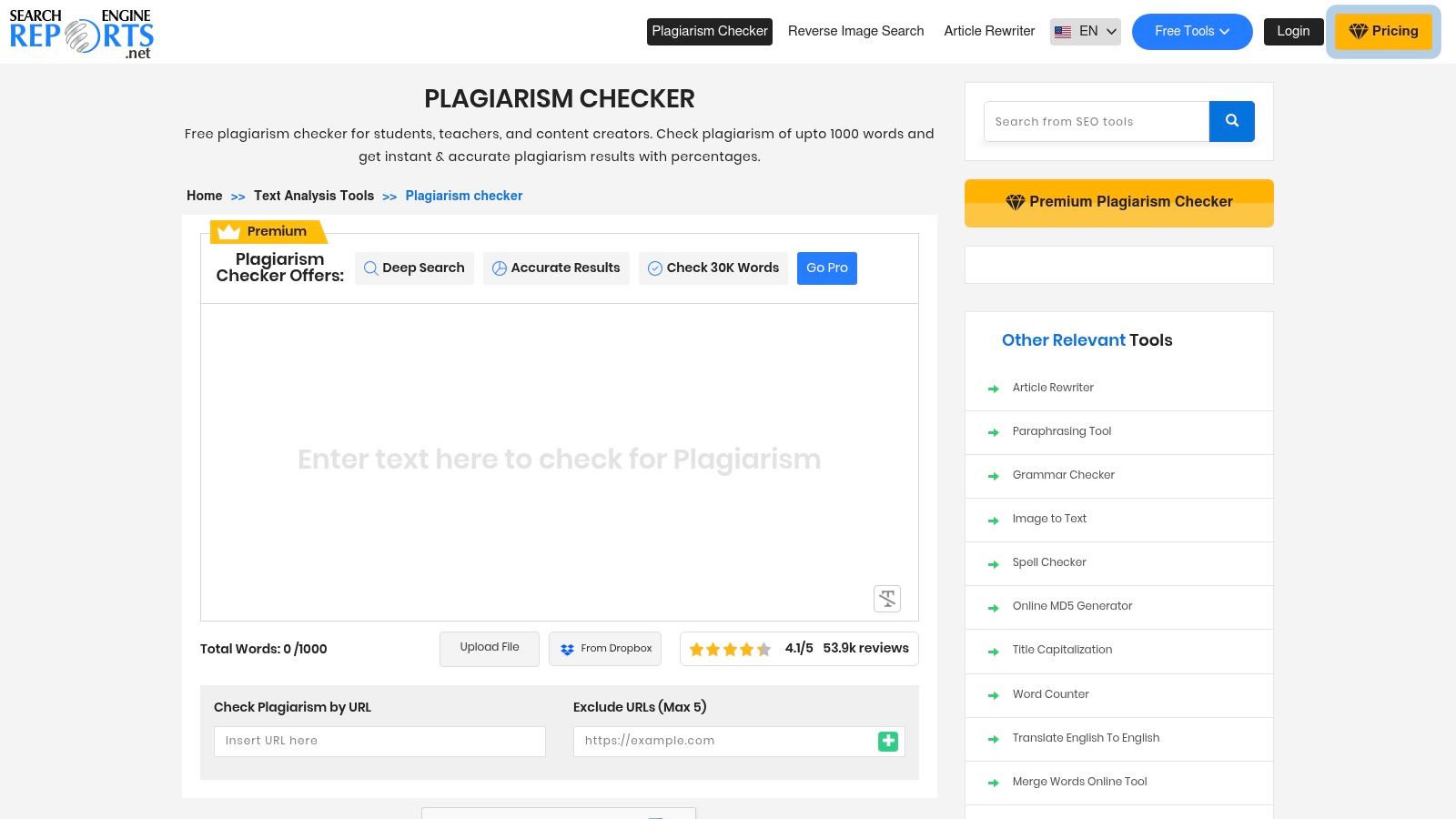
9. SearchEngineReports — Plagiarism Checker
SearchEngineReports.net offers a suite of free SEO and content tools, with its plagiarism checker being a standout feature. This entirely web-based tool provides a quick and accessible way to scan text for originality without requiring any software installation or user registration. It functions by checking your content against billions of web pages, making it a useful resource for content creators.
The platform's main advantage is its straightforward, no-frills approach. A blogger can paste a draft, get an immediate report with highlighted matches and source links, and then use the "Compare" button to see their text side-by-side with the original content. This immediate feedback loop is excellent for identifying accidental similarities.
Key Features and Limitations
- Downloadable Reports: Users can easily download a comprehensive plagiarism report in PDF format, which is convenient for record-keeping or sharing with others.
- Companion Toolset: The checker is integrated with other useful utilities, including a grammar checker, a paraphrasing tool, and citation generators.
- Source Comparison: The results page includes a "Compare" button for each matched source, allowing you to see your text side-by-side with the original content.
The most significant limitation is the word count cap, which is typically around 1,000 to 1,500 words per check on the free plan. Additionally, it does not scan against the extensive academic and proprietary databases that institutional tools use.
Best for: Bloggers, SEO specialists, and content marketers needing a fast, free tool to check shorter articles against public web sources before publishing.
Website: https://searchenginereports.net/plagiarism-checker
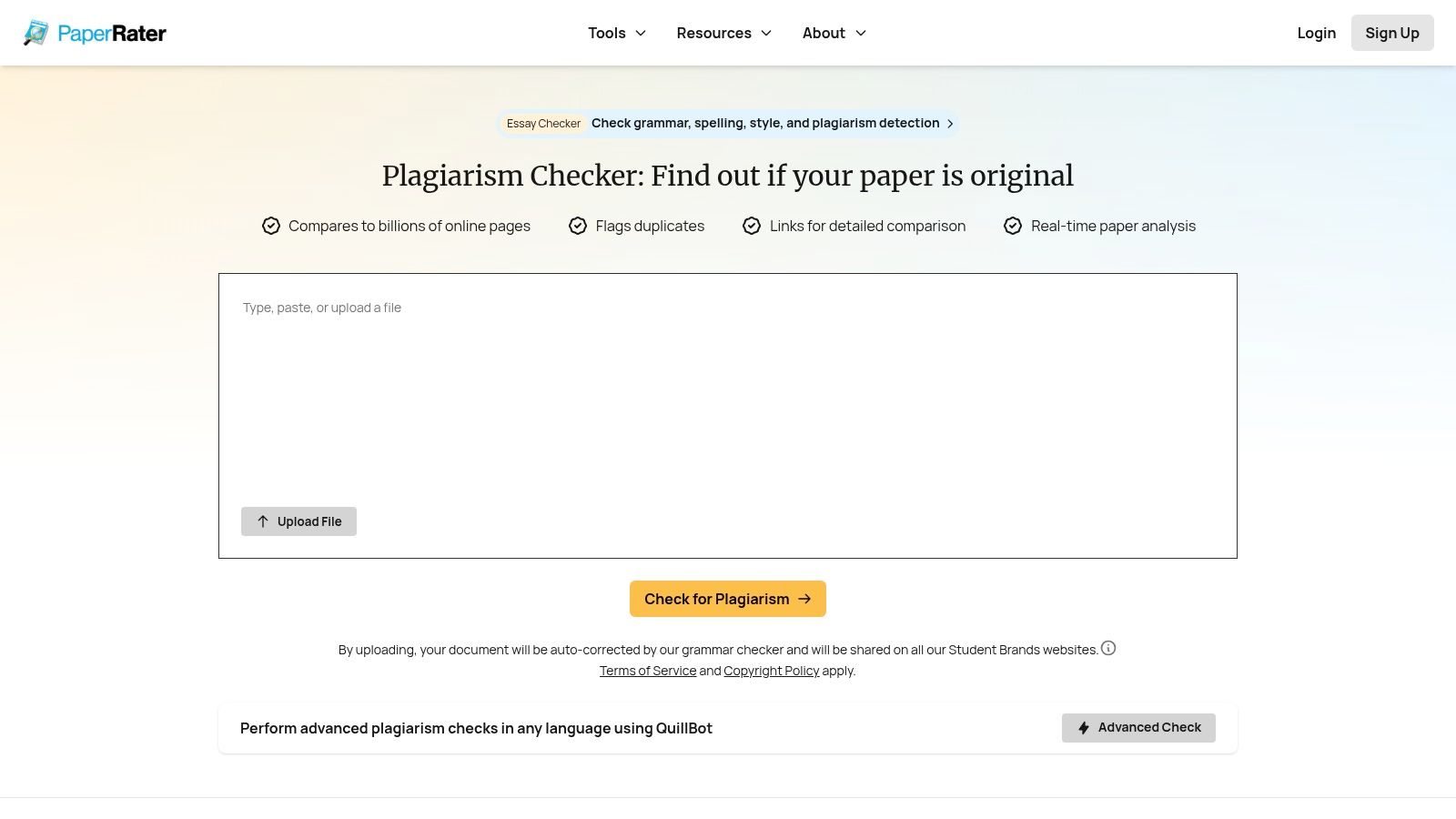
10. PaperRater — Free Online Plagiarism Checker
PaperRater is a long-standing web service offering a suite of free writing tools, including a functional plagiarism checker. It operates by comparing your submitted text against a massive index of over 10 billion documents, providing a quick originality score. This makes it a useful option among free plagiarism checker tools for fast, low-stakes checks without needing to create an account.
This platform distinguishes itself by bundling its originality check with automated grammar, spelling, and writing feedback. For example, a high school student can submit an essay draft to get a multifaceted analysis of both originality and basic writing quality in a single, efficient step.
Key Features and Limitations
- Large Comparison Corpus: Claims to check text against more than 10 billion documents for a broad originality scan.
- Real-Time Analysis: Provides a quick originality score alongside integrated grammar and writing suggestions.
- No Registration Required: Offers a fast, genuinely free check without the need to sign up for an account.
A significant consideration is the platform's terms of service, which indicate potential data-sharing across affiliated websites. You should review the privacy language carefully before uploading sensitive or proprietary drafts.
Best for: Students and writers needing a fast, no-cost preliminary check for both originality and basic writing errors on non-sensitive documents.
Website: https://www.paperrater.com/plagiarism_checker
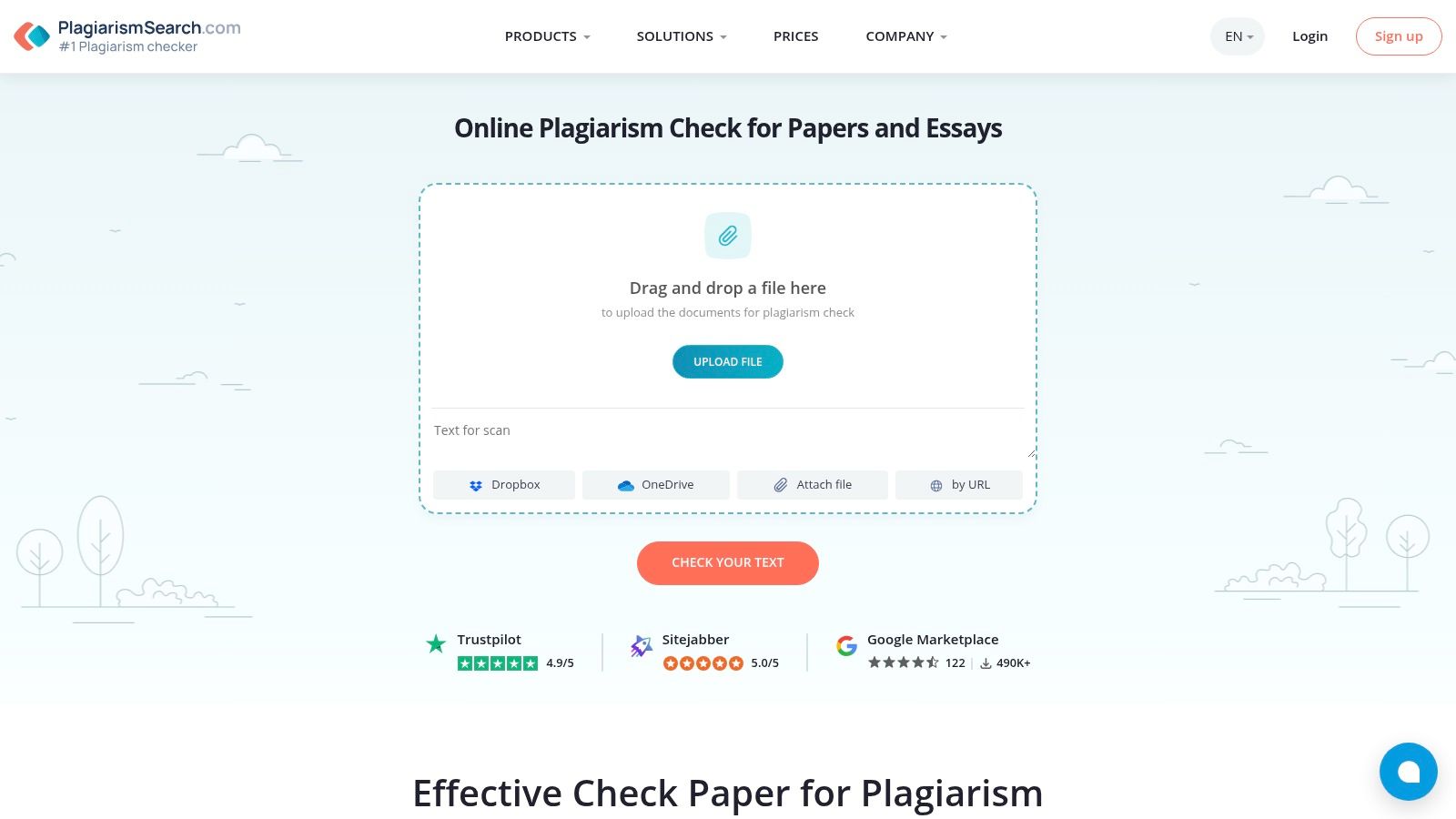
11. PlagiarismSearch — Free Trial + Paid Plans
PlagiarismSearch operates on a freemium model, offering a brief daily trial that serves as an entry point to its more robust paid services. This tool is designed primarily for the academic community, providing a simple interface for quick checks and comprehensive, downloadable reports for users who subscribe. Its free offering allows for an immediate, though limited, scan against its database.
The platform positions itself as an educational resource. While the free version is constrained, its main appeal lies in the quality of its paid reports. A graduate student could use the free trial to test the service on a short abstract before deciding to purchase a full scan for their dissertation.
Key Features and Limitations
- Free Daily Allowance: Offers a 150-word daily limit for guests, which increases to 300 words for registered free users.
- Downloadable Reports: Paid users receive detailed PDF reports that highlight matched text, show similarity percentages, and link to sources.
- Education-Oriented: The site includes helpful content and guidance for students on avoiding plagiarism and proper citation.
The most significant limitation is the restrictive free word count, which makes it impractical for checking anything longer than a few paragraphs. This positions PlagiarismSearch more as a "try before you buy" service.
Best for: Students or educators who need to test the service with a short piece of text before committing to a paid plan for formal, documented plagiarism reports.
Website: https://plagiarismsearch.com/plagiarism-check
12. PlagTracker — Free Web Checker (with premium options)
PlagTracker offers a straightforward online plagiarism detection service aimed at students, teachers, and publishers. It provides a simple platform where users can paste text or upload a file to receive a basic originality report. While it features premium services for more in-depth analysis, its free version serves as a functional initial screening tool.
The platform's key appeal is its simplicity. The user interface is clean and requires no signup for a basic check, allowing you to quickly get a high-level overview of potential issues. This no-frills approach is ideal for users who need a quick verification against web content.
Key Features and Limitations
- Simple Workflow: Allows users to either paste text directly or upload files for checking.
- Source Listing: The free report identifies potentially duplicated sentences and provides links to the suspected web sources.
- Multiple User Targets: Specifically designed with features and reports for students, educators, and publishers.
The main limitation of PlagTracker is the lack of transparency regarding the full scope of its database, particularly its academic coverage. The performance and depth of the free scan can also vary, sometimes delivering slower results.
Best for: Students and bloggers looking for a quick, no-signup-required tool to perform a basic web-based plagiarism check on short texts.
Website: https://www.plagtracker.com/
Top 12 Free Plagiarism Checkers — Quick Comparison
| Tool | ✨ Core features | ★ Quality / UX | 💰 Pricing / Value | 👥 Best for | 🏆 Standout |
|---|---|---|---|---|---|
| Grammarly — Plagiarism Checker | Originality scan + citation suggestions; integrated grammar/style | ★★★★☆ polished, intuitive | 💰 Free limited; paid for full reports | 👥 Writers, students, professionals | 🏆 One workspace for grammar + originality |
| Scribbr — Free Plagiarism Checker (plus paid per-document) | Side‑by‑side source compare; self‑plagiarism & optional AI detection | ★★★★☆ strong detection accuracy | 💰 Pay‑per‑document (transparent one‑time fees) | 👥 Students & researchers | 🏆 Detailed reports, transparent pricing |
| Copyleaks — Online Plagiarism Detector | Cross‑language & code detection; customizable reports; enterprise security | ★★★★☆ enterprise-grade UX | 💰 Free trial → paid / enterprise plans | 👥 Institutions & businesses | 🏆 Cross‑language + strong security (SOC/GDPR) |
| Copyscape — Free and Premium | URL web scans (free); premium paste/upload; Copysentry monitoring | ★★★★☆ trusted for web content | 💰 Free URL checks; paid for deep scans/monitoring | 👥 Bloggers & site owners | 🏆 Long-standing web duplicate detection |
| SmallSEOTools — Plagiarism Checker | Billion‑page web checks; many file types & languages | ★★★☆☆ functional, ad-supported | 💰 Free with limits & ads; paid API | 👥 Quick casual checks / SEOs | 🏆 No-signup convenience & multilingual support |
| DupliChecker — Plagiarism Checker | Paste/upload/URL; PDF export; multilingual | ★★★☆☆ fast, basic | 💰 Freemium with word caps; paid upgrades | 👥 Occasional users | 🏆 Rapid, no-signin scans |
| Prepostseo — Plagiarism Checker | Paste/upload, tiered limits; Deep Search on paid plans; suite of SEO tools | ★★★☆☆ practical for content creators | 💰 Free capped; paid for Deep Search & higher limits | 👥 SEO/content teams | 🏆 Tool ecosystem (paraphraser, AI detector) |
| Check‑Plagiarism — Free Online Plagiarism Checker | Batch checks; shareable/downloadable reports; 20+ languages | ★★★☆☆ straightforward | 💰 Free (small limits); paid upgrades | 👥 Teachers & small publishers | 🏆 Batch file support & report exports |
| SearchEngineReports — Plagiarism Checker | Highlights matches with source links; companion rewriter/grammar tools | ★★★☆☆ fast, web-based | 💰 Free with per-check caps | 👥 Quick checks / SEOs | 🏆 Fast exports + companion toolset |
| PaperRater — Free Online Plagiarism Checker | Large corpus comparison; real-time originality score + grammar feedback | ★★☆☆☆ quick but limited & privacy caveats | 💰 Free; review TOS before uploading sensitive drafts | 👥 Low‑stakes, quick writers | 🏆 Free grammar + originality combo |
| PlagiarismSearch — Free Trial + Paid Plans | Small free daily allowance; detailed downloadable reports | ★★★☆☆ reliable reporting | 💰 Tiny free trial; paid for full scans | 👥 Educators & students needing documentation | 🏆 Education‑focused reports & guidance |
| PlagTracker — Free Web Checker (with premium options) | Paste/upload checks; highlights suspected matches; basic reports | ★★★☆☆ easy & simple | 💰 Free basic; premium for deeper scans | 👥 Students, teachers, publishers | 🏆 Straightforward, easy entry point |
Beyond Plagiarism: Your Workflow for Truly Authentic, Human-Centric Content
Using free plagiarism checker tools is a critical final step, but it's not the first or most important one. These tools offer a vital safety net to ensure your work is free from unintentional duplication. However, in an era saturated with AI, "originality" means more than just avoiding copied text—it means creating content that is genuinely insightful and unmistakably human.
This requires a shift in your creative workflow. The goal is to develop an authentic voice that an algorithm cannot replicate. This is where you create real value for your audience, whether they are students, customers, or professional peers.
Selecting the Right Tool for Your Final Check
Your choice of plagiarism checker should be guided by your primary use case:
- For Students and Academics: Accuracy is paramount. A tool like Scribbr is a top choice due to its access to a massive academic database. For quick checks of individual paragraphs, DupliChecker or SmallSEOTools are effective.
- For Content Marketers and SEO Professionals: You need speed and URL comparison. Copyscape remains an industry standard for checking published content. For drafts, Prepostseo offers generous word counts and is efficient for checking blog posts.
- For Freelance Writers and Bloggers: Flexibility is key. A combination of tools is often best. Use Grammarly's integrated checker for daily writing and a tool like Copyleaks for final client deliveries, paying attention to its word count limits.
The New Workflow: Humanize Before You Verify
A plagiarism checker should be the last tool you use, not the first. Relying on it to "fix" AI-generated drafts is a flawed strategy. Instead, adopt a human-centric approach that emphasizes ethical AI usage from the start.
- AI as an Assistant, Not an Author: Use generative AI for brainstorming, outlining, or creating a rough first draft. Treat its output as raw material, not a finished product. Statistics show that content fully generated by AI often lacks the nuance and emotional depth that 73% of consumers say they want from brands.
- The Critical Humanization Phase: This is where you add your unique value. Infuse the text with personal anecdotes, expert opinions, and your distinct voice. This is precisely where our tool, PureWrite, becomes your most powerful partner. We help you refine AI-generated text into content that reads as if it were written by a human from the start.
- Final Polish and Plagiarism Check: Once your content is thoroughly humanized and edited, run it through your chosen free plagiarism checker. At this point, the tool serves as a final quality assurance step, catching any accidental similarities or forgotten citations.
This multi-stage process ensures your work is not only algorithmically unique but also genuinely valuable. For a deeper dive into preserving genuine expression, explore the insights on Maintaining Human Connection in the Age of AI. By focusing on the human element first, you create content that builds trust and engages your audience.
Ready to move beyond basic originality and create content that truly connects? While the free plagiarism checker tools in this guide are essential for your final review, PureWrite is the partner you need at the critical humanization stage. Transform your AI drafts from robotic to remarkable, ensuring your voice is always at the forefront.
Try Pure Write today and see the difference a human touch makes.