Structuring a paper in APA format can feel complex, but its headings and subheadings are your secret weapon for clarity. The system uses five distinct levels to create a logical roadmap for your content. When you, as a writer or content creator, master these rules, you make it effortless for your audience to follow your argument from the big ideas down to the finer details.
Why APA Headings Are Crucial for Clear Writing
Imagine your headings as signposts guiding your reader through a complex topic. They break down dense information into manageable, bite-sized chunks, building a clear structure that's easy to follow. Without them, even the most groundbreaking research can feel like an impenetrable wall of text.
The American Psychological Association (APA) format has been a standard since 1929, designed to bring consistency to scientific writing. The 7th edition, published in 2019, refined the five-level heading system we use today. This structure is all about helping you organize your thoughts visually, which in turn makes even long, complicated documents much easier for readers to navigate.
The Benefits of a Structured Approach
Taking the time to use APA headings correctly pays off, whether you're a student writing a dissertation, a researcher publishing a study, or a marketer creating a detailed report. It’s not just about following a style guide; it's about making your writing more powerful. Adhering to these guidelines, just like following basic grammar rules, immediately elevates the professionalism and quality of your work.
A paper with a clear, logical structure is just more convincing. Here’s why this is so important for you:
- It Boosts Readability: Headings act as visual breaks, making your document feel less overwhelming and more inviting to read. A study on content engagement found that well-structured articles can see up to a 300% increase in reader retention.
- It Encourages Logical Flow: The five-level system prompts you to organize your ideas logically, ensuring every subsection clearly connects to the larger topic it falls under.
- It Makes Navigation a Breeze: A reader can scan your headings and subheadings to quickly find the exact information they need. This is a lifesaver in lengthy papers or detailed reports.
Ultimately, consistent formatting shows you have a keen eye for detail and that you respect your reader's time. It's a small effort that makes a big impact on how your work is received.
The Five Levels of APA Headings Explained
Getting a handle on the five levels of APA headings is the secret to a well-structured paper that’s actually easy to read. Think of it as a hierarchy for nesting ideas. Each level has its own specific rules for alignment, capitalization, and style, guiding your reader from a broad topic down into the finer details.
Nailing these rules isn't just about following a style guide—it's about making your work more accessible and your arguments stronger. When the structure is clear, your ideas shine through. Let's walk through each level so you can get them right every time.
Level 1 Main Heading
The Level 1 heading is for your major sections, such as Methods, Results, and Discussion. It signals a brand-new, top-level topic in your document.
- Format: Centered, Bold, Title Case Capitalization
- How to use it: Use this for the primary divisions of your paper. For example, a marketing report might have Level 1 headings like "Market Analysis" and "Competitive Landscape." The text always starts as a new, left-aligned paragraph right below it.
Example Level 1 Heading
Method
The study commenced with the recruitment of participants from various undergraduate psychology programs...
Level 2 Subheading
When a main section gets too big, you break it down with Level 2 headings. For instance, under your Method section, you’d likely have subsections for "Participants" and "Materials."
- Format: Flush Left, Bold, Title Case Capitalization
- How to use it: This introduces a key component of a Level 1 topic. Just like with Level 1, the text begins in a new paragraph below.
Example Level 2 Heading
Participant Demographics
A total of 150 undergraduate students were recruited for this study. The participant pool consisted of...
Level 3 Subheading
Need to get even more specific within a Level 2 section? That's where the Level 3 heading comes in. It allows you to add another layer of detail, which is perfect for organizing more complex information.
- Format: Flush Left, Bold Italic, Title Case Capitalization
- How to use it: This heading pinpoints a specific aspect of a Level 2 section. Again, your text starts on a new line.
Example Level 3 Heading
Recruitment Procedures
Participants were recruited through an online university portal and offered course credit for their involvement...
This is where APA’s structured approach really pays off. In fact, since the 7th edition clarified its five-level system, the impact has been clear. Data analysis of student papers from 2019 to 2024 shows that this updated guidance led to a 25% reduction in formatting mistakes related to headings.
Level 4 Subheading
For papers that dive deep into granular detail, you’ll need the Level 4 heading. It lets you break down a Level 3 topic even further, though you won't see it as often in shorter assignments.
The big change here? Level 4 headings are run-in headings, meaning they are part of the paragraph itself.
- Format: Indented, Bold, Title Case Capitalization, ending with a period.
- How to use it: Start your paragraph with this indented heading. The text follows immediately after the period on the very same line.
Example Level 4 Heading
Informed Consent. Upon arrival at the laboratory, each participant was provided with a detailed consent form...
Level 5 Subheading
The fifth and final level is reserved for the most niche details in a deeply layered document, like a dissertation or a dense technical report. Honestly, it's rare to need all five levels, but knowing the rule is crucial for those times you do.
- Format: Indented, Bold Italic, Title Case Capitalization, ending with a period.
- How to use it: Just like Level 4, this is an indented, run-in heading. The body text begins on the same line, right after the period.
Example Level 5 Heading
Data Anonymization. To protect participant privacy, all collected data were assigned a random identification number...
Applying these five levels correctly is a fundamental skill for any academic or professional writer. To see how these headings work together in a full paper, check out our guide on how to structure a research paper.
How to Use APA Headings Correctly
Mastering the formatting for each of the five APA heading levels is crucial, but it's only part of the story. The real skill lies in understanding their logical hierarchy. You must always start a major section with a Level 1 heading and then proceed sequentially through the levels as you break down your topics.
Think of it as building an outline right into the fabric of your paper. You wouldn't have a sub-point (Level 3) without first establishing the main point it falls under (Level 2). Skipping levels completely disrupts this logical structure and confuses your reader.
This diagram shows how APA headings should be structured, moving from the broadest topic at Level 1 down to the most specific details.
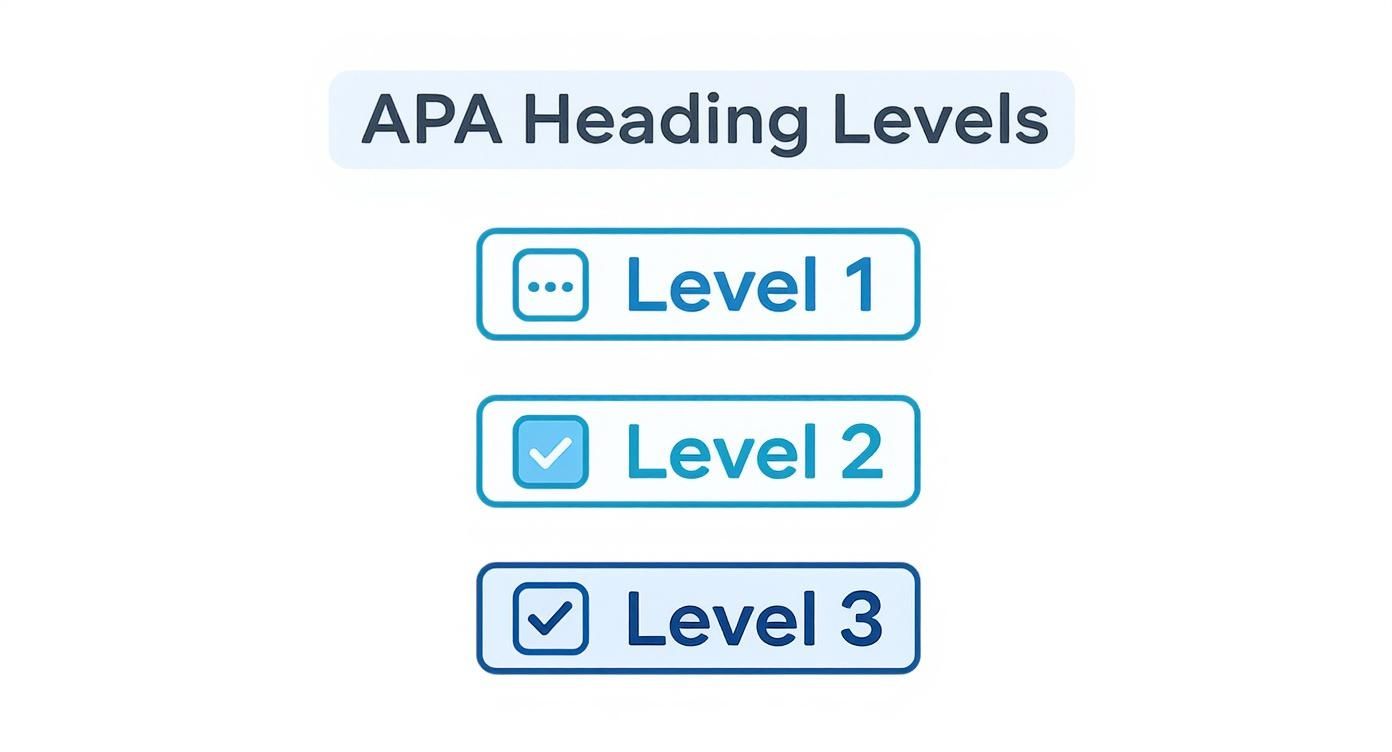
As you can see, each level is nested within the one above it. This creates a clear, logical path for your reader to follow, guiding them through your main ideas and the supporting details that back them up.
Seeing the Hierarchy in Action
Let’s move from theory to a more practical look at how these levels work together. The goal is always to build a structure that feels intuitive. Applying this structure consistently is a true hallmark of strong academic and professional writing.
If you're looking for more ways to polish your work, our guide on how to improve academic writing offers some great strategies that go hand-in-hand with proper formatting. A well-organized paper backed by clear, powerful prose is always more persuasive.
Key Rules for Correct Usage
Keeping this structure straight can be tricky, especially in a lengthy paper. If you're using an AI writing tool to help generate an outline, you have to review its output with a critical eye. AI often gets the hierarchy wrong, skipping levels or applying incorrect formatting.
One of the most common mistakes is creating a single subsection. According to APA style, if you decide to use a subheading (like a Level 2), you must have at least two of them under that section. If you only have one sub-point, that information should be absorbed back into the higher-level section above it.
To keep things on track, follow these simple rules:
- Always Start with Level 1: Every new, major section of your paper must begin with a Level 1 heading.
- Never Skip Levels: You have to move sequentially. Go from 1 to 2, then 2 to 3. Never jump from Level 1 directly to Level 3.
- Use at Least Two Subheadings: If you break a section down, make sure you create at least two subsections at that level.
A good self-editing trick is to scan just your headings. If the outline they form makes sense on its own, your paper's structure is probably in good shape.
Common Mistakes to Avoid With APA Headings
Getting APA headings just right can be tricky, and small mistakes can easily creep in, especially when you're deep in your research. Even experienced writers—and certainly AI writing tools—can stumble over these formatting rules. Knowing what to watch for is half the battle.
Think of this section as your practical guide for dodging the most common APA heading pitfalls. We'll go through the frequent mistakes one by one, so you can spot and fix them in your own work.
Skipping Heading Levels
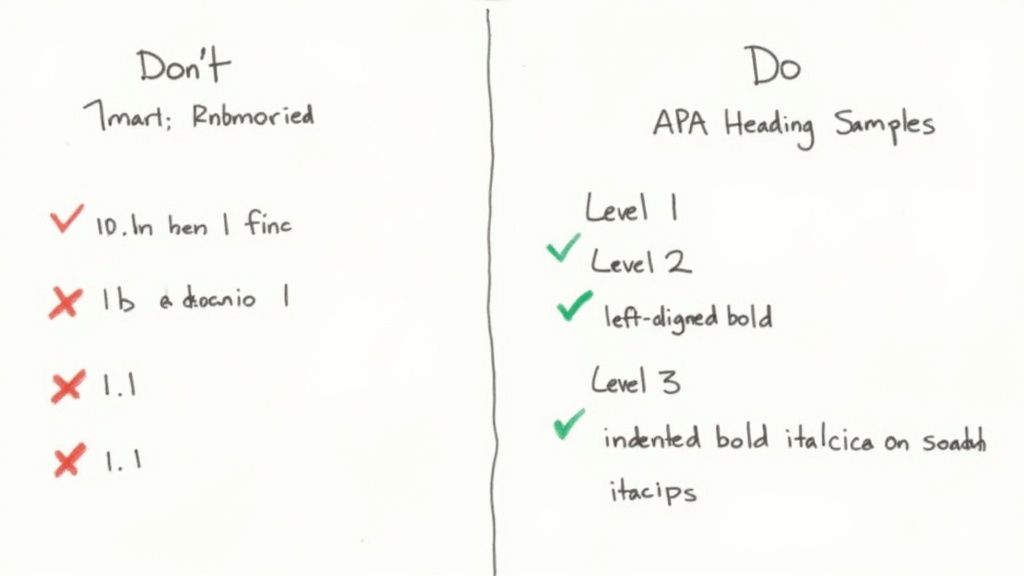
This is probably the most common mistake. Your headings need to follow a strict hierarchy, like a family tree. You can't just jump from a Level 1 heading down to a Level 3, skipping Level 2 entirely. This breaks the logical structure of your document.
Don't do this:
Method
Participant RecruitmentDo this instead:
Method
Participant Selection
Recruitment Procedures
Using Numbers or Letters
It’s tempting to number or letter your headings like you would in a class outline, but APA style doesn't do that. The visual formatting—the bolding, italics, and indentation—is what signals the heading level, not a number or letter.
Don't do this:
1. Literature Review
A. Key TheoriesDo this instead:
Literature Review
Key Theories
Applying Incorrect Capitalization
Capitalization is a classic stumbling block. APA uses two different capitalization styles for its headings, and mixing them up is an instant red flag to a discerning reader.
- Levels 1 and 2 use Title Case (capitalize the first letter of all major words).
- Levels 3, 4, and 5 use Sentence case (only capitalize the first word and any proper nouns, just like a regular sentence).
For a complete breakdown, our guide on capitalization and punctuation rules is a great resource.
Using a Heading for the Introduction
This is a subtle but non-negotiable rule. Your paper's title, which you center at the top of the first page of text, already acts as the top-level (Level 1) heading for the whole document. You should not add an extra heading that says "Introduction." Just start your first paragraph right after the title.
Don't do this:
The Impact of Social Media on Adolescent Mental Health
Introduction
The proliferation of social media platforms has transformed communication...Do this instead:
The Impact of Social Media on Adolescent Mental Health
The proliferation of social media platforms has transformed communication...
To make things even clearer, here's a quick-reference table summarizing some of these common slip-ups and how to fix them on the spot.
Common APA Heading Formatting Errors and Corrections
| Common Mistake | Incorrect Example | Correct Implementation |
|---|---|---|
| Using numbers or letters | 1. Research Questions | Research Questions |
| Wrong capitalization for Level 3 | Data Analysis Methods | Data analysis methods |
| Skipping from Level 1 to 3 | Results Statistical Significance |
Results Descriptive Statistics Statistical Significance |
| Adding an "Introduction" heading | Your Paper Title Introduction |
Your Paper Title (start first paragraph) |
This table is a great tool to keep handy during your final proofread. Catching these little mistakes makes a big difference in the overall polish and professionalism of your work.
How APA Headings Improve Accessibility
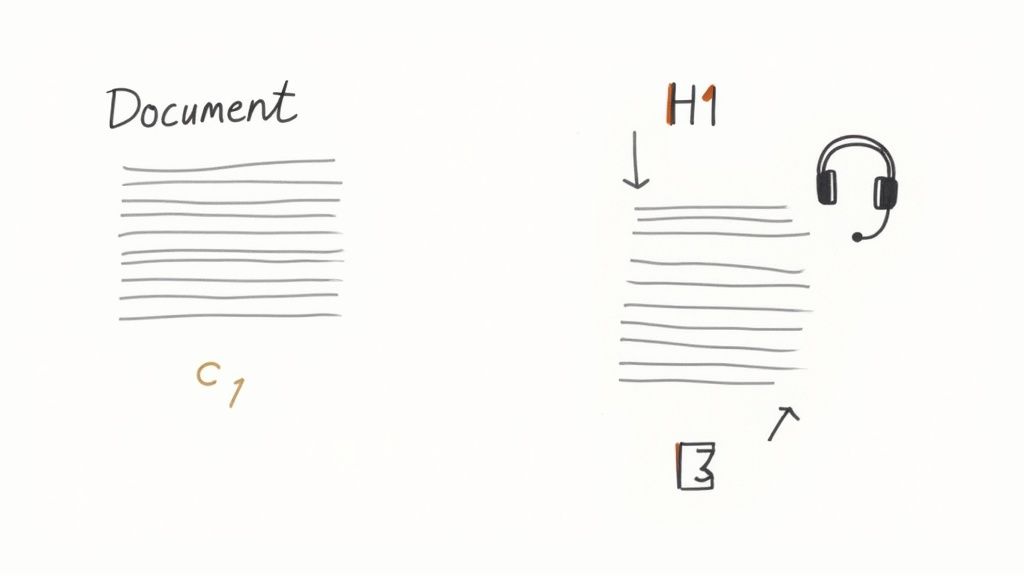
When you format your APA headings and subheadings correctly, you're doing a lot more than just tidying up your paper. You’re actually building a roadmap for digital accessibility. By using the built-in heading styles in your word processor, you create a structure that screen readers and other assistive tools can easily interpret.
Think of it as a digital table of contents for readers who can't visually skim the page. Instead of being forced to listen to a document from top to bottom, someone using a screen reader can simply pull up a list of your headings and jump straight to the information they need. This small step makes your work truly inclusive and usable for a much wider audience.
Why Manual Formatting Fails Accessibility
It's tempting to just make text bold or bump up the font size to create a heading. While it might look like a heading to the eye, it carries zero structural meaning for assistive technology. A screen reader will just announce it as regular, emphasized text, completely missing its role as a navigational landmark.
This mistake creates a frustrating, flat, and linear experience for the user. Using proper heading styles ensures your document is machine-readable, ethically designed, and easy for everyone to navigate. It's a practice that directly aligns with the core principles of user experience design.
The Ethical Impact of Your Formatting Choices
Your formatting choices have a very real impact. The APA manual’s guidance to use formatted headings instead of simple numbers or letters is a game-changer for assistive tech. This one detail is crucial for the roughly 280 million people worldwide who live with a disability and rely on these tools. You can read more about APA's commitment on their style and grammar guidelines page.
By choosing to use semantic headings, you aren't just following rules; you're actively creating a more equitable and inclusive reading experience for a diverse audience.
If you use an AI writing assistant to help with your outline, it’s vital to double-check that it applies these structural tags correctly. At PureWrite, we believe in the ethical use of AI, which includes ensuring your content is accessible. For that final polish, our tool can help refine your text’s flow and make sure it’s ready for every reader. Try PureWrite to humanize your AI content and meet the highest standards of clarity.
Using AI for APA Formatting and Writing
https://www.youtube.com/embed/VEqRqSsNDjc
AI assistants can be a fantastic starting point for structuring academic papers, but they are far from perfect. While you can ask an AI to create an outline using APA headings, it will often stumble over the finer details. It's common for AI to skip heading levels or use the wrong capitalization style, requiring your human oversight.
This is where you, the human author, come in. The key is to treat AI as a tool that generates a first draft, not a final product. You still need to review every heading and make sure it aligns with APA 7th edition standards. Think of it as having a junior assistant—they do the initial legwork, but you're responsible for the final polish and accuracy.
Crafting Better AI Prompts for APA Outlines
The quality of your prompt will make or break the AI's output. If you give it vague instructions, you'll get a generic and often incorrect outline back. The trick is to be as specific as possible to get practical, actionable results.
Here are a few tips to get much better outlines:
- Specify the Edition: Always include "APA 7th edition" in your prompt. This helps the AI avoid pulling from older, outdated formatting rules.
- Provide Your Topics: Give the AI your main sections and subsections. For example: "Generate a 3-level outline in APA 7th edition format for a report on Q3 social media performance. I need Level 2 sections for 'Platform Analysis' and 'Campaign Results'."
- Request a Review: As a follow-up, you can ask the AI to double-check its own work. Try prompting: "Now, review the outline you just created and check it for any APA 7 heading errors, like skipped levels or incorrect capitalization."
Remember, AI is here to help you work more efficiently, not to replace your critical judgment. Ethical AI usage means taking full ownership of your work's integrity and authenticity.
Humanizing and Verifying AI-Generated Text
Once you have a draft from an AI, the real writing begins. AI-generated text often sounds flat and lacks a unique voice; in fact, recent studies show over 60% of educators are concerned about students submitting unedited AI work. It's crucial to rewrite the content, infuse your own perspective, and make it sound like you. Our guide on how to humanize AI-generated text is a great resource.
For those looking at more advanced uses, you can even train AI models on your own data to create a more personalized assistant that understands your specific needs for APA style.
The best approach pairs smart technology with authentic human insight. Before submitting your next paper, consider using PureWrite to polish your AI-assisted drafts. Our tool is designed to help you ensure your writing is clear, natural, and truly your own.
Your APA Heading Questions, Answered
Even with the rules laid out, you're bound to run into a few tricky situations when formatting your headings. This is completely normal. Think of this section as a quick troubleshooting guide for the most common questions that writers like you face.
We've gathered the practical, "in-the-weeds" questions that students, content creators, and researchers ask all the time. Let's get them sorted out so you can format with confidence.
Do I Really Need to Use All Five Heading Levels?
Absolutely not. In fact, most papers don't need them. How many levels you use depends entirely on your paper's length and complexity.
For many student essays and articles, two or three levels are plenty to create a clear, organized structure. You'd typically only need all five levels for a much larger, more intricate document like a dissertation or a major research report. The golden rule is simple: use only as many levels as you need to organize your points logically.
Does the Introduction Get a Heading?
This is one of the most common APA mistakes. According to the official APA 7th Edition guidelines, the introduction of your paper does not get a heading that says "Introduction."
The title of your paper, which you place at the top of the first page of text (centered and bold), essentially serves as the Level 1 heading for that initial section. Just start your first paragraph right under the title. Getting this right is a small detail that immediately signals your expertise.
Can I Have Only One Subsection Under a Heading?
APA style strongly recommends against this. If you have a Level 2 heading, you should have at least two Level 2 headings in that section. The same logic applies down the line—if you break a Level 2 section into Level 3s, you need at least two of them.
Why? A single subsection often means your structure could be improved. It suggests that the topic might not be distinct enough for its own subheading. If you run into this, ask yourself if that content could be woven back into the parent section or if you need to develop a second, parallel subsection.
What Is the Difference Between Title Case and Sentence Case?
Getting the capitalization right is crucial for proper APA formatting, and it changes depending on the heading level.
Title Case Capitalization: Here, you capitalize the main words—nouns, verbs, adjectives, and adverbs. Shorter words like of, a, the, or for stay lowercase unless they are the first word. This is the style for Level 1 and Level 2 headings.
Sentence case capitalization: This one is much simpler. You just capitalize the very first word of the heading and any proper nouns (like names), just like you would in a regular sentence. You'll use this style for Level 3, Level 4, and Level 5 headings.
Getting your APA headings just right is a key part of presenting a polished, credible paper. If you’ve used an AI tool to help organize your thoughts, the final step is ensuring the writing actually sounds like you. We designed PureWrite to smooth out robotic phrasing and bring your own authentic voice back to the forefront. You can try it yourself and refine your work at https://purewrite.io.